
CCTV, Access Control and Alarms: A Layered Security Plan for Small Businesses
How Melbourne Small Businesses Can Combine CCTV, Access Control and Alarms
A camera records what happened. A door access system controls who can enter. An alarm calls attention to an event. Each tool solves a different part of the security problem, which is why a small business usually benefits more from a coordinated set of modest controls than from one expensive device. A layered plan should deter obvious attempts, control routine access, detect unusual activity, preserve useful evidence and give staff a clear response process.
Start with risks, not products
Walk through the premises at opening, during trade and after closing. Identify public entrances, staff-only doors, delivery areas, cash or high-value stock, network equipment, blind corners and any shared building access. Consider who needs entry, at what times, and what should happen when a person, door or alarm behaves unexpectedly. This produces a practical scope. It also prevents a common mistake: installing many cameras while leaving a weak rear door, shared code or unclear after-hours process unchanged.
Layer 1: physical and access control
The first layer should make unauthorised entry harder and authorised access easier to manage. Good lighting, sound locks, correctly aligned doors and protected hinges are basic controls. Electronic access can add named credentials, schedules and the ability to revoke a staff member without replacing every key. Avoid shared PINs wherever the system supports individual users. Give people access only to the areas and times their roles require, and create a documented process for starters, role changes and leavers. Keep an emergency and fire-safety path that complies with the building's requirements.
Layer 2: CCTV designed for evidence
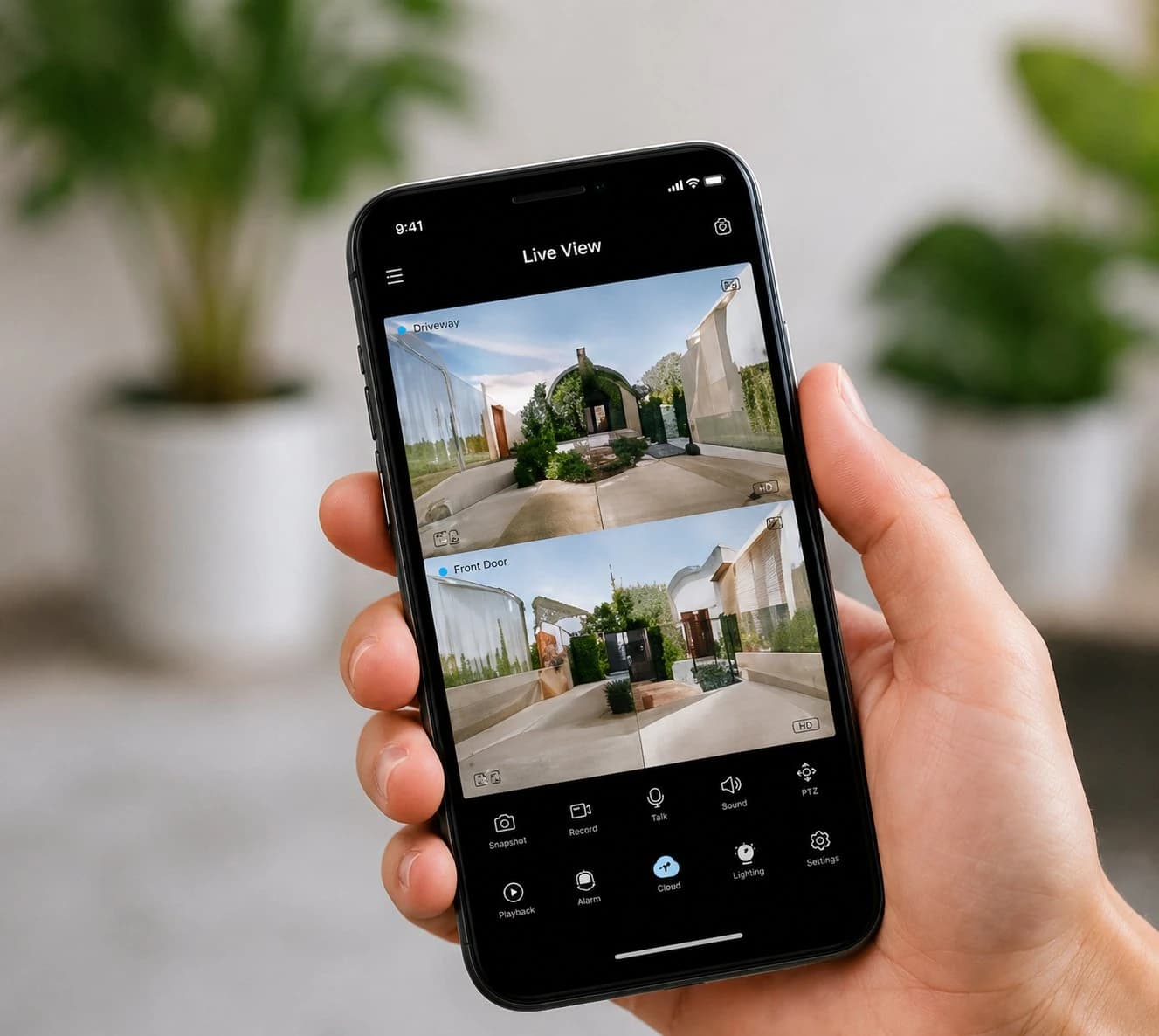
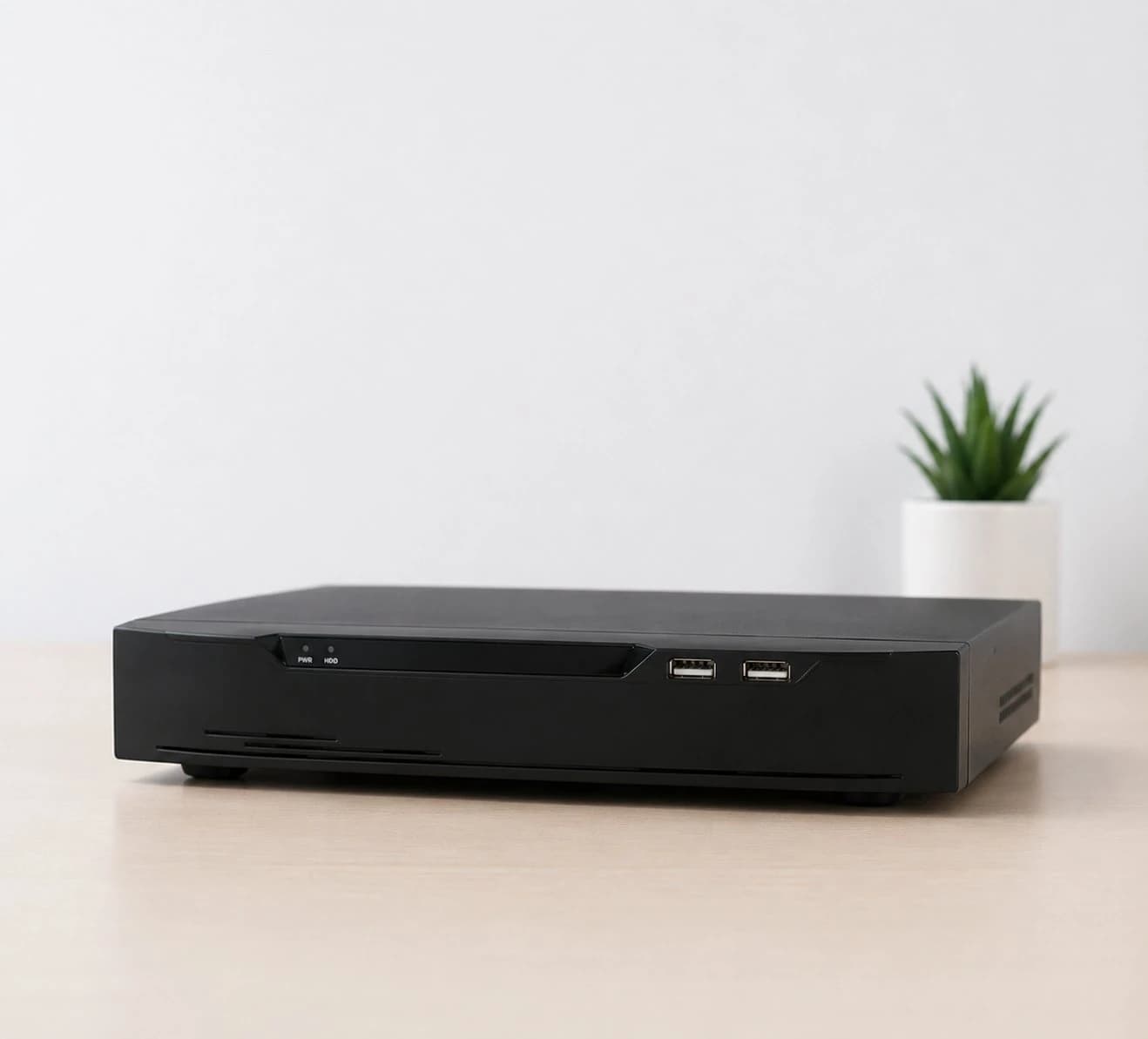
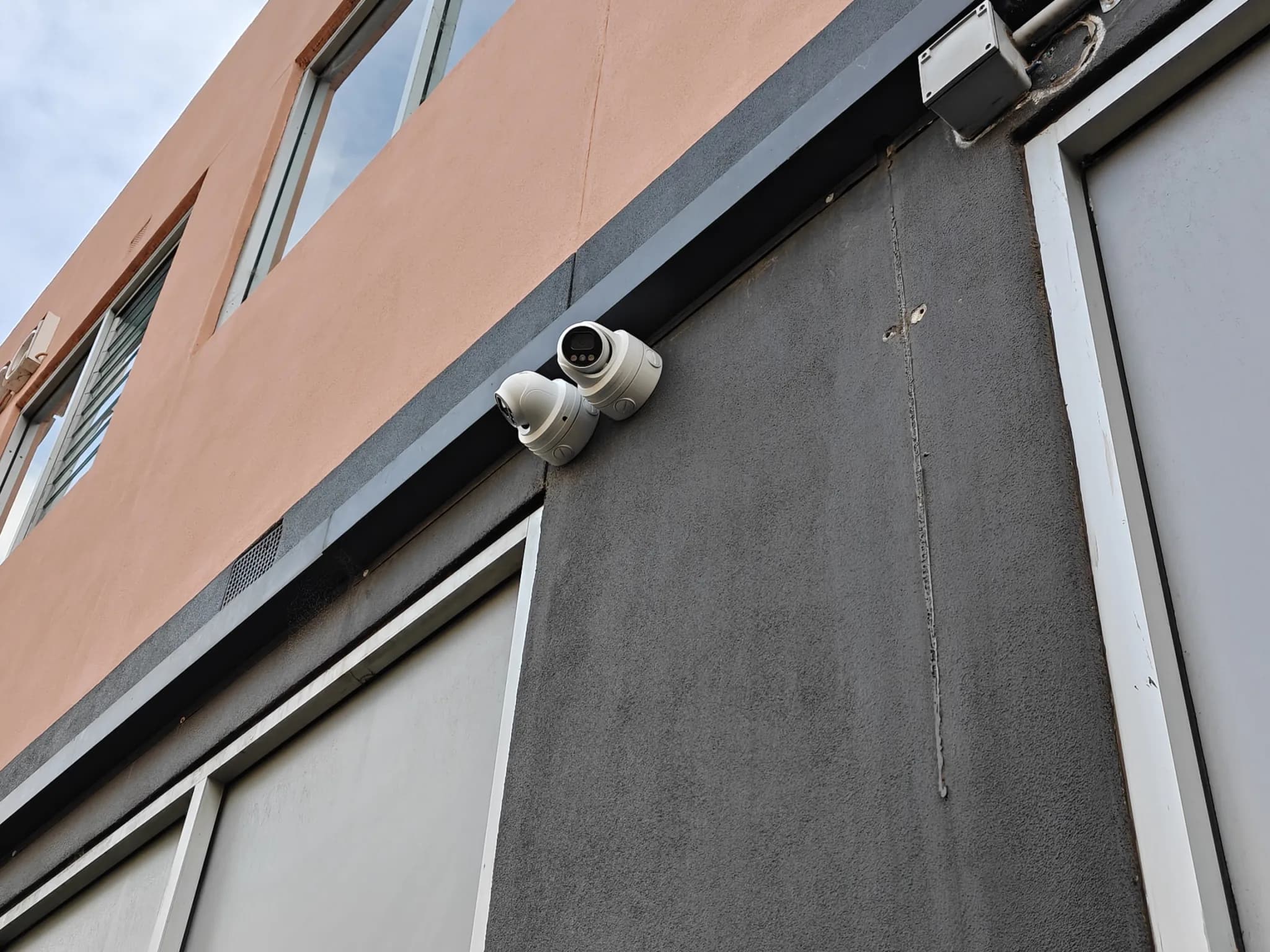
Camera quantity is less important than useful views. Entrances need a clear identification view, not only a wide shot of the room. Point-of-sale and high-value areas may need contextual coverage, while external cameras should avoid unnecessary capture of neighbouring private spaces. Check lighting transitions, reflections, night image quality and whether important faces or actions remain clear during real movement. Set retention according to a defined business need and storage capacity, restrict who can view or export footage and record when evidence is shared.
Layer 3: alarms and event detection
An alarm should identify a meaningful event and start a response, not merely make noise. Door contacts, motion detectors, glass-break detection, panic buttons or duress functions may be appropriate depending on the site. Divide the premises into sensible zones so staff can understand where an event occurred. Decide who receives notifications, who may attend the site and when police, monitoring or building management should be contacted. Test the full response chain, including after-hours contact details and backup power.
Integration and response
Integration is useful when it makes an event easier to understand. For example, a forced-door event can bookmark the relevant camera, an after-hours credential can generate an alert, and an alarm notification can open the correct live view. It should not create a complicated dashboard that no one maintains. Assign an owner for user permissions, camera health, software updates, battery checks and incident exports. Protect remote administration with unique accounts and multi-factor authentication. The Australian Cyber Security Centre describes MFA as one of the most effective ways to reduce unauthorised access to accounts.
Privacy and staff communication
CCTV and access records can contain personal information. The applicable obligations depend on the organisation, workplace and jurisdiction, so businesses should obtain advice for their circumstances. As a practical baseline, define the security purpose, collect only what is necessary, use clear signage where appropriate, tell staff how monitoring is used, restrict access and delete records when they are no longer required. Avoid cameras in places where people reasonably expect a high level of privacy. Facial recognition or biometric access creates additional sensitivity and should not be introduced merely because a product offers it.
A simple implementation sequence
- Document risks and priority areas.
- Fix basic door, lock, lighting and network issues.
- Design camera views and retention around actual incidents.
- Create individual access credentials and a joiner-leaver process.
- Configure alarm zones, notifications and escalation.
- Secure administrator accounts and remote access.
- Train staff, test scenarios and schedule quarterly health checks.
Conclusion
Small-business security works best as a system. Strong doors and managed access reduce opportunities, cameras provide context and evidence, and alarms start a response. Austrend can assess your Melbourne premises, identify practical priorities and design an integrated solution that can be maintained by the people who use it. Contact Austrend for expert advice.
Frequently asked questions
Should CCTV and access control use the same platform?
Not always. Integration is valuable when it improves investigation or response, but compatibility, reliability and support are more important than forcing every device into one app.
How long should footage be stored?
There is no single period suitable for every business. Choose a period based on how quickly incidents are discovered, storage capacity, risk and applicable obligations, then document it.
Can staff share one door code?
Individual credentials are preferable because they can be revoked and provide clearer records.
Does more resolution always mean better evidence?
No. Lens choice, camera position, lighting, motion, compression and storage settings also determine whether footage is useful.
Tags
- Business Security
- Integrated Business Security