
NVR vs Cloud Storage for Security Cameras: Which Is Better?
A Practical Guide for Australian Homes and Small Businesses
When people compare security cameras, they often focus on resolution, night vision and how the camera looks. But one of the most important decisions is actually where the footage will be stored.
Two common approaches are local NVR recording and cloud storage. Both can be useful, but they suit different priorities.
For homeowners and small businesses, the right choice can affect recording reliability, ongoing costs, remote access, privacy and what happens if the internet connection goes down.
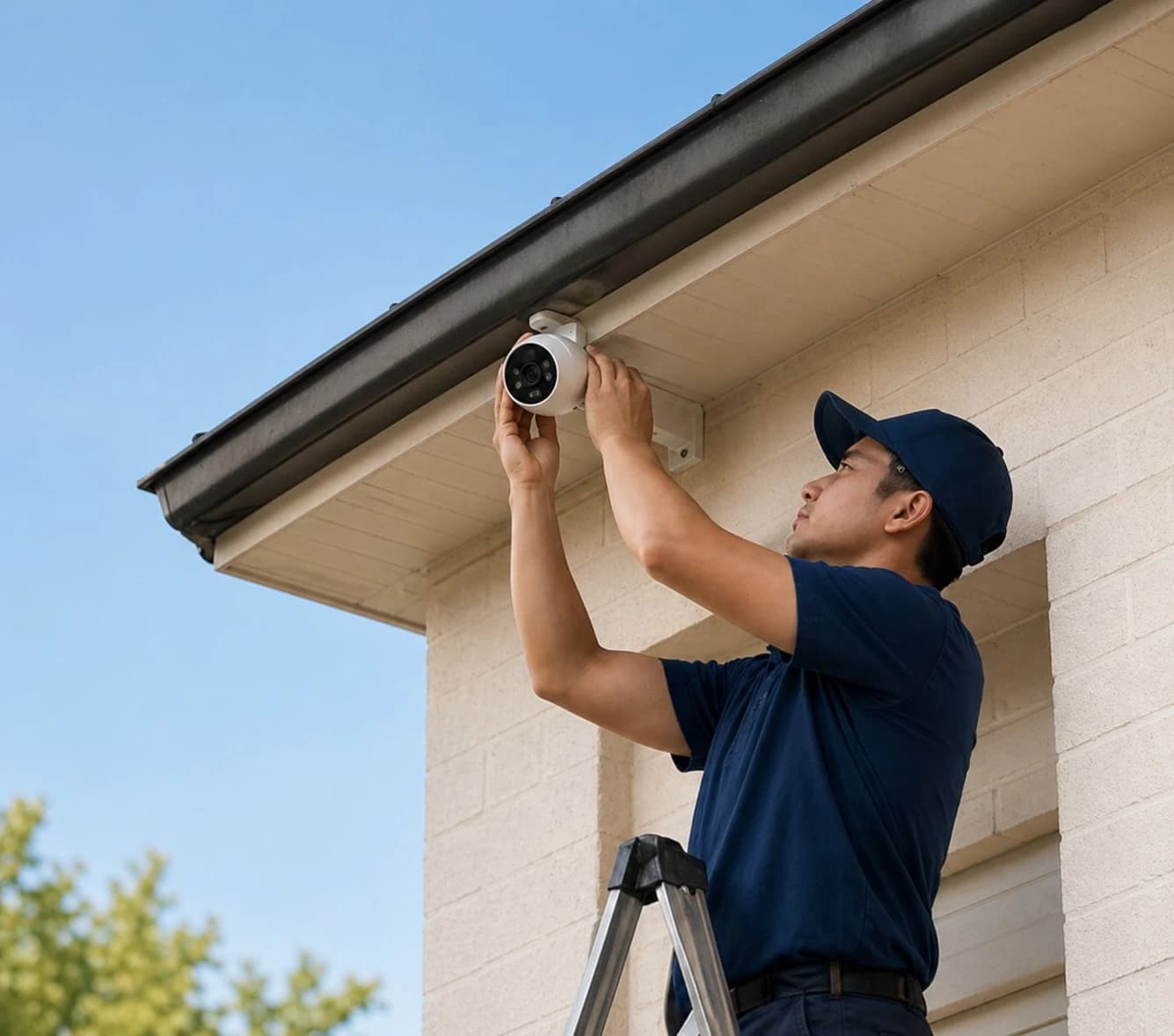
Austrend installs security systems across Melbourne, including wired camera systems with local recording. This guide explains the practical differences between NVR and cloud storage so you can choose the right approach for your property.
What Is an NVR?
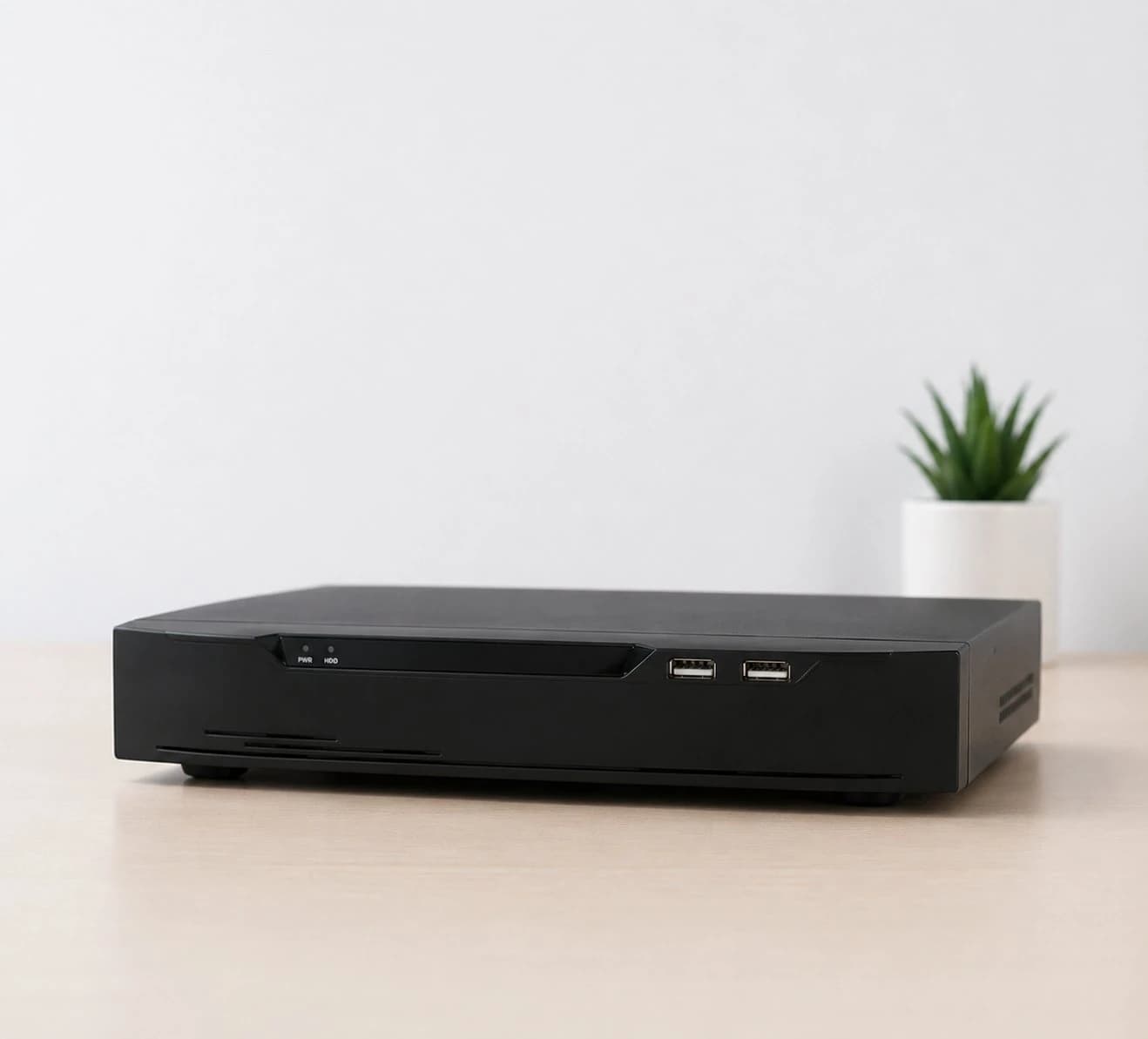
NVR stands for Network Video Recorder. It is a dedicated recorder used to receive and store video from compatible network security cameras.
In a typical wired CCTV system, cameras are connected to the local network and footage is recorded onto hard drives installed in the NVR.
This creates a central place for continuous or scheduled recording and allows authorised users to review footage when required.
What Is Cloud Storage?
Cloud storage sends video or event clips to remote servers operated by a service provider. The footage can then be accessed through an app or online account.
Cloud systems are common with consumer Wi-Fi cameras because setup can be simple and remote access is convenient.
However, available recording history, video quality and features may depend on the service plan, internet connection and provider.
1. Ongoing Cost
One of the clearest differences is the way storage is paid for.
With an NVR, the main storage cost is usually part of the hardware installation. Once the recorder and drives are installed, there may be no mandatory monthly cloud-storage fee for local recording.
Cloud systems often use recurring subscriptions, especially when you want longer recording history, multiple cameras or advanced features.
For one camera, a subscription may seem small. Across several cameras and several years, the total cost can become more significant.
2. Continuous Recording
NVR systems are well suited to continuous recording. This is useful when you want a complete timeline rather than only short event clips.
Some cloud cameras focus primarily on motion-triggered clips. That can reduce storage and bandwidth, but it may also mean the system records only what its detection logic decides is an event.
For security applications where context matters, continuous recording can make it easier to understand what happened before, during and after an incident.
3. Internet Dependency
Cloud recording relies on a working internet connection to upload footage to remote servers.
If the internet connection is interrupted, cloud upload and remote viewing may be affected. The exact behaviour depends on the camera and whether it has any local backup storage.
An NVR system records compatible cameras locally, so local recording does not need to depend on an external cloud connection for every video stream.
Remote viewing from outside the property will still normally require internet access.
4. Privacy and Control
Where your footage is stored matters.
With an NVR, recordings can remain on storage physically located at your property. This gives owners greater direct control over the recording system.
Cloud storage places footage on third-party infrastructure and is governed by the provider's systems, account security, policies and service availability.
Neither approach removes the need for good security practices. Strong passwords, controlled user access, software updates and secure configuration remain important.
5. Storage Capacity
NVR storage can often be sized around the number of cameras, resolution, frame rate and desired retention period.
For example, a larger hard-drive capacity can be selected if a property needs longer recording history.
Cloud storage capacity and history are usually determined by the provider's plan. Upgrading storage may therefore mean moving to a higher recurring subscription tier.
6. Remote Access
Cloud cameras are designed around remote app access, which is one reason they are popular for simple consumer installations.
Modern NVR systems can also support secure remote viewing when correctly configured. This can allow homeowners or authorised business users to view live cameras and recorded footage while away.
Remote access should always be configured carefully, regardless of where recordings are stored.
NVR vs Cloud Storage: Quick Comparison
| Feature | NVR / Local Storage | Cloud Storage |
|---|---|---|
| Recording location | At the property | Remote provider servers |
| Monthly storage fee | Often not mandatory | Common |
| Continuous recording | Well suited | Depends on plan/product |
| Internet needed for local recording | Generally no | Yes for cloud upload |
| Remote viewing | Available on many systems | Usually built in |
| Storage expansion | Hardware can often be upgraded | Depends on subscription plan |
| Direct control of recordings | High | Depends on provider |
Which Is Better for a Home?
For a simple apartment or a homeowner who only wants one or two cameras and values quick app-based setup, a cloud camera may be sufficient.
For a house with several cameras, a wired NVR system can be attractive when the priorities are reliable local recording, continuous footage, centralised storage and avoiding mandatory cloud fees.
The right answer depends on the property, the number of cameras and how important recording history is to the household.
Which Is Better for a Small Business?
For many small commercial sites, local NVR recording can be particularly useful because businesses may need multiple cameras, longer recording periods and a central place to review footage.
Retail stores, offices, workshops and warehouses may also value continuous recording because an incident is not always recognised at the exact moment it occurs.
Cloud services can still play a role, but businesses should consider recurring cost, bandwidth, privacy, retention needs and operational reliability.
Can You Use Both?
Yes. Security does not always have to be an either-or decision.
Some systems can combine local recording with selected cloud or remote services. A hybrid approach may provide local recording while still offering convenient remote access or additional off-site functionality.
The best architecture depends on the specific products and the level of resilience required.
Questions to Ask Before Choosing Storage
- Do I need continuous recording or only event clips?
- How many days of footage do I want to keep?
- How many cameras will the system have?
- Do I want to pay a monthly storage subscription?
- What happens to recording if the internet goes down?
- Who can access my footage?
- Can storage be expanded later?
- Do I need remote access from my phone?
Choose the Recording System Before Choosing the Cameras
Storage should not be an afterthought.
A camera system is only useful if it reliably records the footage you may need later. Before choosing cameras, consider how video will be stored, how long it should be retained and how you want to access it.
Austrend designs and installs security camera systems for Melbourne homes and businesses, including wired CCTV, NVR recording, local storage and secure remote viewing options.
Planning a new security camera system? Talk to Austrend about the right recording and storage solution for your property.
Tags
- NVR
- CCTV Storage
- Security Cameras
- Local Storage
- Home Security