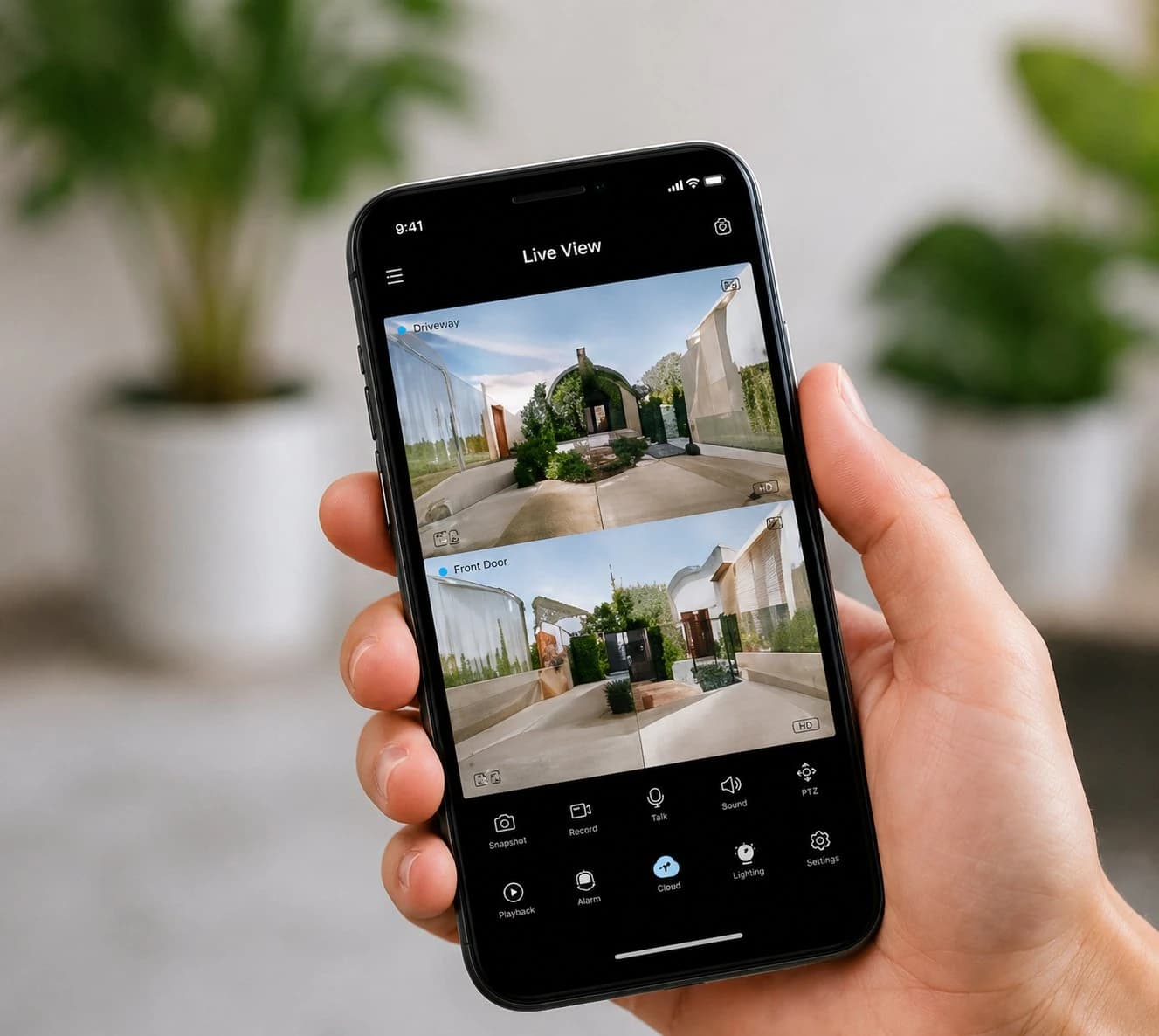

After-Hours Security for Melbourne Small Businesses: A Practical Closing-to-Opening Plan
Build a practical after-hours security plan using closing checks, access control, alarms, CCTV, lighting and clear incident response.
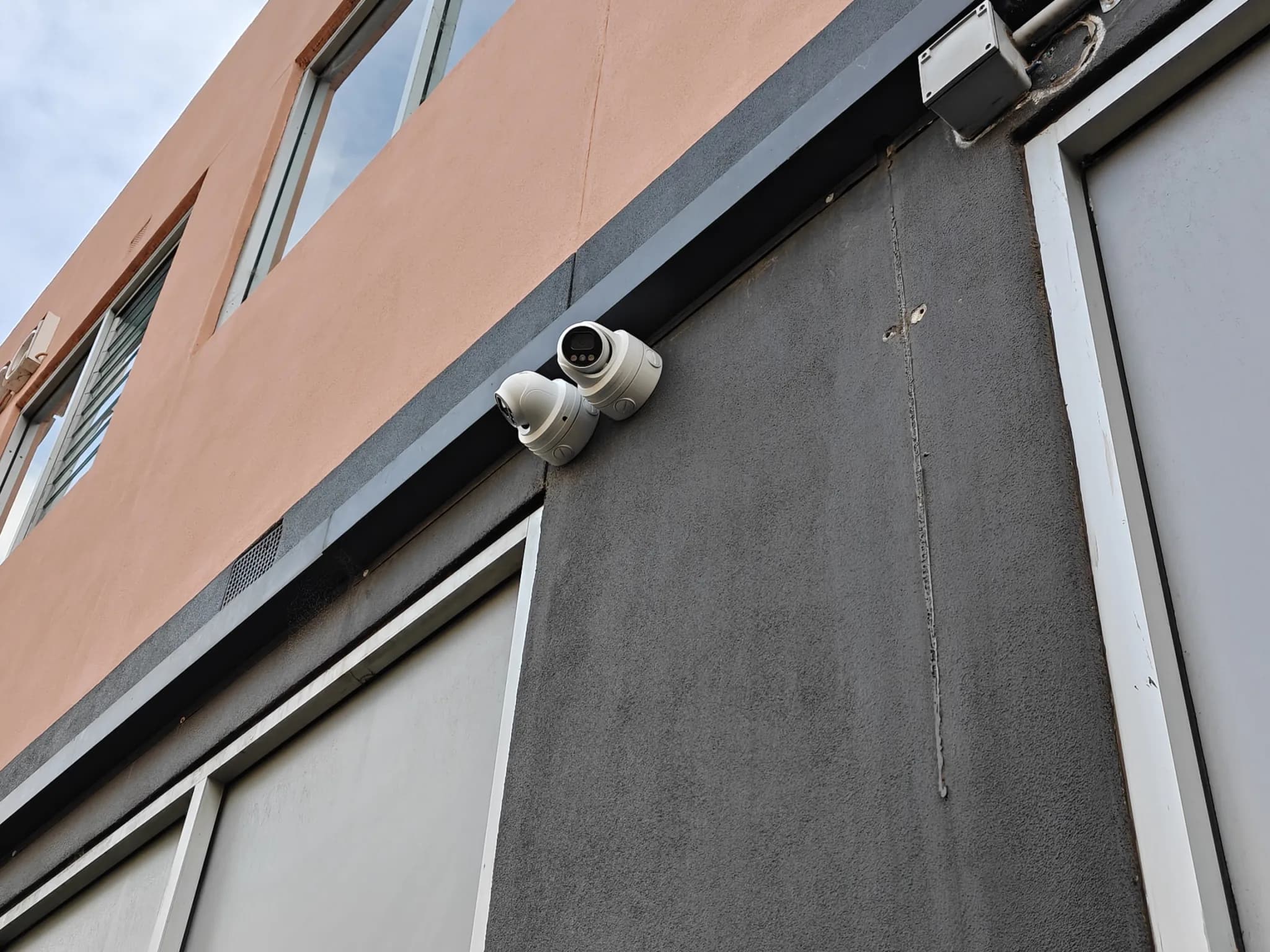
A business can have good cameras and still be poorly protected after closing if a rear door is missed, an alarm zone is bypassed, former staff retain access or nobody knows how to respond to an alert. After-hours security is therefore a process, not a single product. The strongest plan connects the final staff walkthrough, physical locks, access permissions, alarm detection, usable video, lighting, notifications and a clear response from closing time until the first authorised person arrives the next day.
Map what changes after the doors close
Begin with the real premises and routine. Identify public entrances, staff doors, loading areas, roof or yard access, shared corridors, internal high-value rooms, cash or key storage, network equipment and any area that remains occupied. Note delivery times, cleaners, contractors and staff who arrive early. A café, clinic, warehouse and professional office have different risks. The purpose is to define which movement is expected after hours and which event should trigger attention.
Turn closing time into a repeatable process
Use a short checklist assigned to a role, not an informal assumption that “someone else did it”. Confirm customers and visitors have left; check toilets, stockrooms, external areas and shared access points; close windows; secure rear and staff doors; bring portable outdoor items inside; protect keys and portable valuables; verify critical equipment status; then arm the correct alarm areas. Victoria Police advises businesses to sweep premises and external areas and lock external doors, roof hatches and yard access points before closing. Record exceptions such as approved maintenance work.
Control after-hours access by person and purpose
Avoid shared keys, alarm codes or administrator logins when the system supports individual credentials. Give each employee, cleaner or contractor only the doors and hours needed for their role. Temporary access should expire automatically where possible. Remove permissions immediately when employment or a contract ends. Review the access list regularly and investigate unusual attempts rather than simply issuing another shared code. The system should also preserve safe emergency exit and any legally required access.
Design alarms around real paths
Alarm zones should reflect how a person could enter and move through the premises. Door contacts identify openings, motion detection covers internal movement, glass or perimeter detection may suit particular sites, and panic or duress functions may support occupied periods. After hours, avoid leaving important areas permanently bypassed because of recurring false alarms. Fix the cause: poor door alignment, moving displays, insects, heating airflow, pets or an unsuitable detector. Give zones plain names so the alert identifies “Rear Staff Door” rather than an unexplained number.
Make CCTV useful when an alarm occurs
Video should help answer three questions: what caused the alert, what is happening now, and what evidence can be preserved? Cover the approach, entry and exit points, transaction or high-value areas where appropriate, and the path to protected rooms. Ensure night lighting and camera settings produce usable detail. Set accurate time, protect the recorder, confirm retention, and teach nominated staff how to locate and export footage. Visible signage and cameras can support deterrence, but recording should remain proportionate and comply with applicable privacy and workplace requirements.
Protect rear doors, yards and service areas
The public storefront is often not the only route. Check delivery doors, laneways, bin areas, roller doors, shared car parks, fences, roof access and external utility equipment. Improve the physical door and frame before relying on electronic detection. Use lighting that supports safe staff departure and clear camera images. Do not block fire exits, hydrants, booster valves or emergency access. Remove combustible waste and unsecured outdoor items that create avoidable risk.
Decide who receives alerts and what they do next
An alert without a response plan becomes noise. For each important event, nominate the first and backup contact, define when a monitoring provider, building manager, security patrol or police should be contacted, and state that staff must not place themselves in danger. Use verification where suitable: combine the alarm zone, access log and camera view before deciding the next step. Keep contact details current, and provide staff with the emergency plan, key contacts and the location and use of any duress device. In an emergency or crime in progress, call Triple Zero (000).
Secure the security system itself
Cameras, access control and alarms often have online accounts. Change default credentials, use individual administrator accounts, install updates, restrict remote access and enable multi-factor authentication wherever supported. The Australian Cyber Security Centre describes MFA as one of the most effective protections against unauthorised account access. Separate everyday viewing permissions from system administration, back up essential configuration, and remove vendor or former staff access that is no longer required.
Plan for power, internet and communication failures
Document what continues to work if mains power or internet fails. Check backup batteries in the alarm, access controller, recorder and network equipment, and understand how long they are expected to last. Confirm whether doors remain locked while allowing safe exit. Decide whether alerts use a backup communications path. A system that reports power loss early is more useful than one that silently goes offline. Test recovery after power returns so clocks, recording and alarm states are correct.
Test the plan, not just the devices
Run scheduled tests that follow a complete scenario: a rear door opens after hours, the correct zone activates, the camera shows the event, the alert reaches the nominated person, and that person follows the escalation procedure. Test opening staff as well as closing staff. Review the plan after renovations, changed trading hours, staff turnover, repeated false alarms or an incident. Keep a simple maintenance record for locks, alarm batteries, cameras, lighting and access permissions.
Conclusion
After-hours security works best when every layer supports a clear routine: staff close the site consistently, access is limited, alarms identify meaningful events, CCTV verifies them and the right person knows how to respond. Austrend can assess a Melbourne business, integrate suitable locks, access control, CCTV and alarms, and help turn the equipment into a practical closing-to-opening plan. Contact Austrend for a commercial security assessment.
Frequently asked questions
Does a small business need a monitored alarm?
It depends on the premises, risk, occupancy and desired response. Monitoring can add an organised response path, but it does not replace physical security or a current contact list.
How many staff should receive alerts?
Use a small nominated group with a primary and backup person. Too many recipients can cause confusion.
Can cleaners use the same code as staff?
Individual, time-limited credentials provide clearer control and records.
How often should access permissions be reviewed?
Review them on a schedule and immediately after staff, tenant, contractor or role changes.
What should happen after a false alarm?
Record the cause, correct the physical or configuration problem and retest. Repeatedly bypassing the zone weakens the system.
Tags
- Business Security
- After-Hours Security