

Employee Access Control for Small Businesses: Staff, Contractors and Departing Employees
A practical access-control guide for small businesses covering individual credentials, staff roles, contractors, audit trails, lost devices and employee departures.
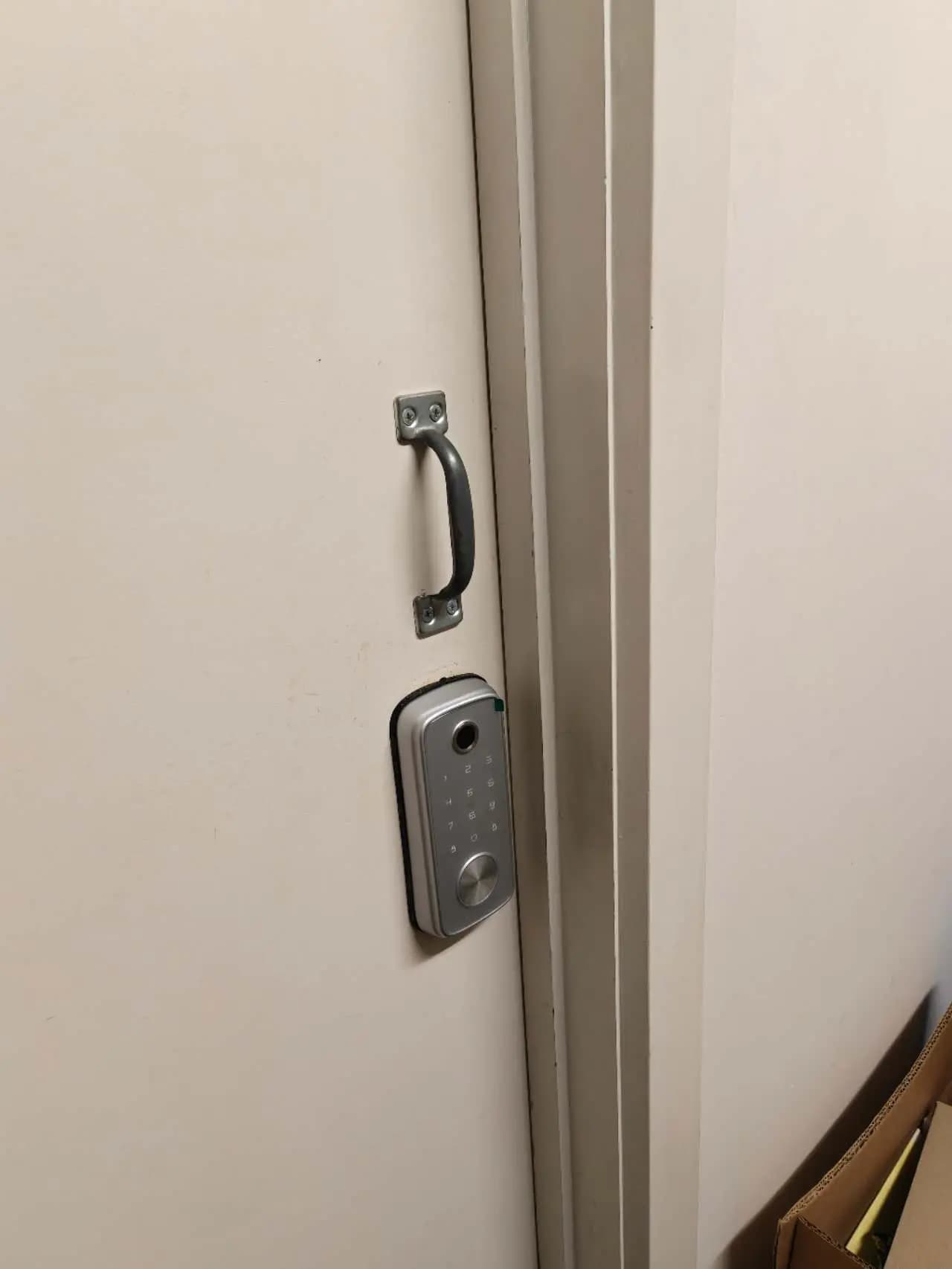
A small business may begin with a few shared keys, but access becomes harder to control as staff, cleaners, contractors and delivery routines grow. The goal of access control is not simply to replace a key with a card or phone. It is to give each person the right access, at the right time, and to remove it promptly when their role changes.
Stop sharing one credential
Shared PINs and unlabelled cards make it difficult to know who entered or to remove one person without affecting everyone. Give each authorised user an individual credential. If a temporary code must be used, set an expiry and record its purpose. Never write a permanent door code where visitors or customers can see it.
Assign access by role
Create groups based on real responsibilities: general staff, managers, cleaners, warehouse staff, IT support or contractors. A receptionist may need the main entrance during business hours but not the storeroom at night. A manager may need extended hours. Role-based access makes onboarding faster and reduces the chance of granting broad permissions by default.
Use schedules that match working patterns
Access should reflect approved working hours, weekends and public holidays. Allow an early-start employee to enter when required without opening the same window for every user. Review schedules for seasonal trading, shift changes and special events. Provide an authorised process for one-off access rather than asking staff to share credentials.
Treat contractors and cleaners separately
External workers often need access outside normal hours, but their permissions should be limited to the necessary doors and times. Use expiring credentials and confirm who is responsible for the visit. Avoid leaving a permanent staff card in a lockbox. When a contractor changes personnel, issue a new credential rather than transferring an unknown code.
Protect high-risk areas
Not every door requires the same control. Stock rooms, communications cabinets, medication storage, cash-handling areas and offices containing personal information may need a smaller authorised group. Review physical keys as well as electronic permissions; an electronic system cannot revoke a mechanical key that was copied or never returned.
Review events without creating unnecessary surveillance
Access logs can help investigate an alarm, confirm opening and closing, or identify a credential used at an unusual time. Define who may review records and for what purpose. Keep access information protected and retain it only as required for an agreed operational or security need. Door events should support security, not become informal monitoring of every staff movement.
Respond to lost cards and phones
Staff should know how to report a missing credential immediately. Disable it first, then issue a replacement with a new identifier. Do not simply create another active card while leaving the lost one in the system. Mobile credentials should be removed from old devices, and administrator accounts should use strong passwords and multi-factor authentication where available.
Create a same-day departure process
Access removal should be part of the employee departure checklist, not a task for later. Disable cards, PINs, mobile credentials, alarm codes and remote-access accounts at the agreed departure time. Recover physical keys and company devices, then check whether the person had access to shared administrator accounts. For urgent departures, nominate one person who can remove access immediately.
Audit users regularly
Run a quarterly review or another interval suitable for the business. Compare active credentials with the current staff and contractor list. Remove duplicates, expired visitors, unused cards and former devices. Check users with after-hours or high-risk access more frequently. The review should have an owner and a completion record.
Plan for outages and emergencies
Confirm how doors behave during power or network failure and how people exit safely. Maintain backup power where required and document the manual entry process for authorised managers. Emergency access should not depend on one person’s phone or memory. Test the procedure and update contacts when responsibilities change.
Conclusion
Effective access control is an ongoing management process, not a one-time installation. Austrend can help Melbourne businesses design doors, credentials, schedules and administration processes that remain manageable as the team changes. Contact us to review an existing system or plan a new staff access-control solution.
Frequently asked questions
Is access control useful for a business with only a few employees?
Yes. Individual credentials can simplify lost-key response, staff changes and after-hours access even in a small team.
Should every employee receive 24-hour access?
Usually not. Access times should match the person’s approved duties and working pattern.
What should happen to a former employee’s access records?
Disable their credentials promptly and manage retained records according to the business’s documented security, privacy and operational requirements.
Tags
- Business Security
- Staff Access Management