
Temporary Smart Lock Access for Guests, Cleaners and Trades
Use scheduled PINs, mobile credentials and activity records to provide temporary smart lock access without sharing a permanent household code.
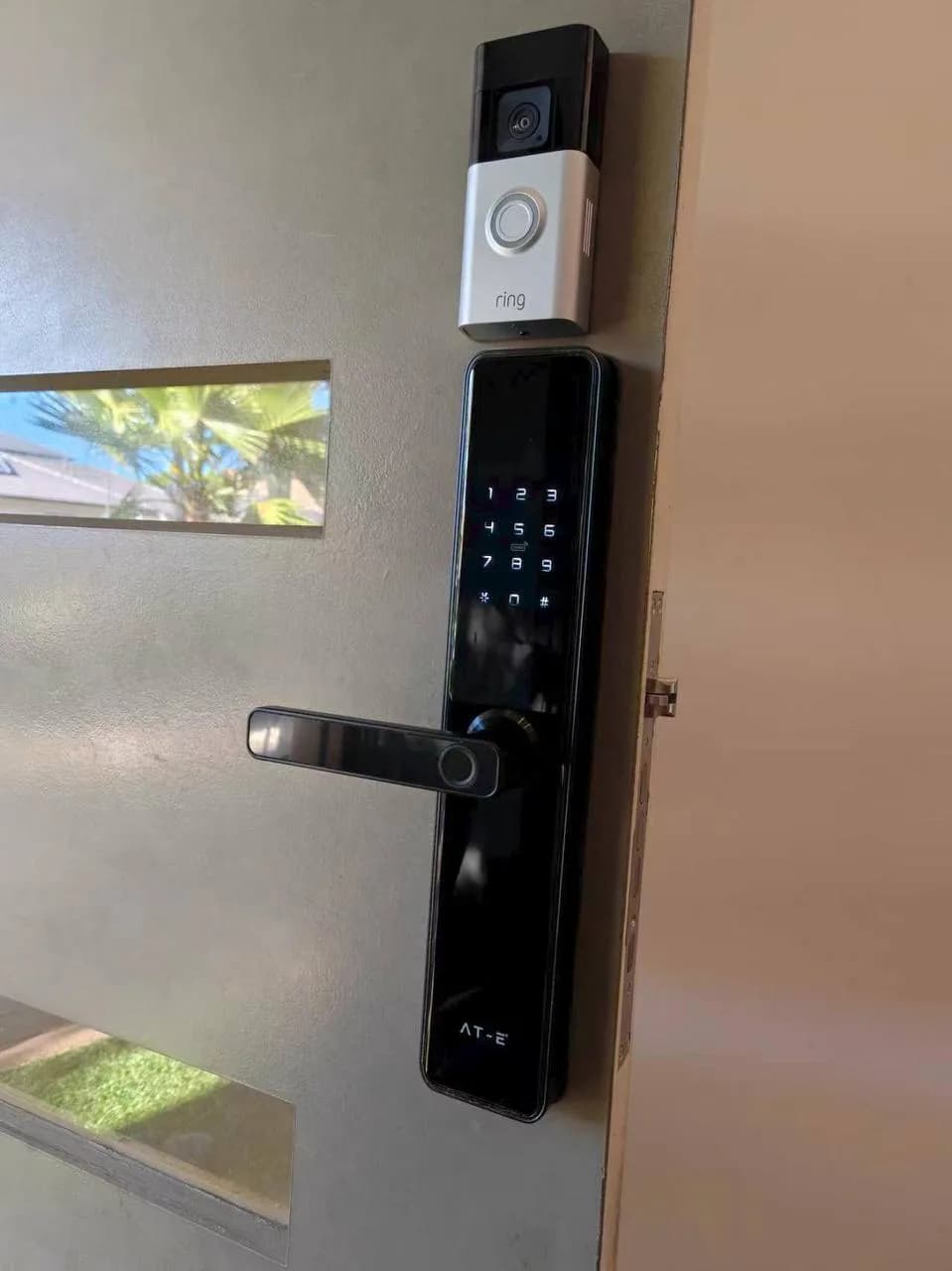
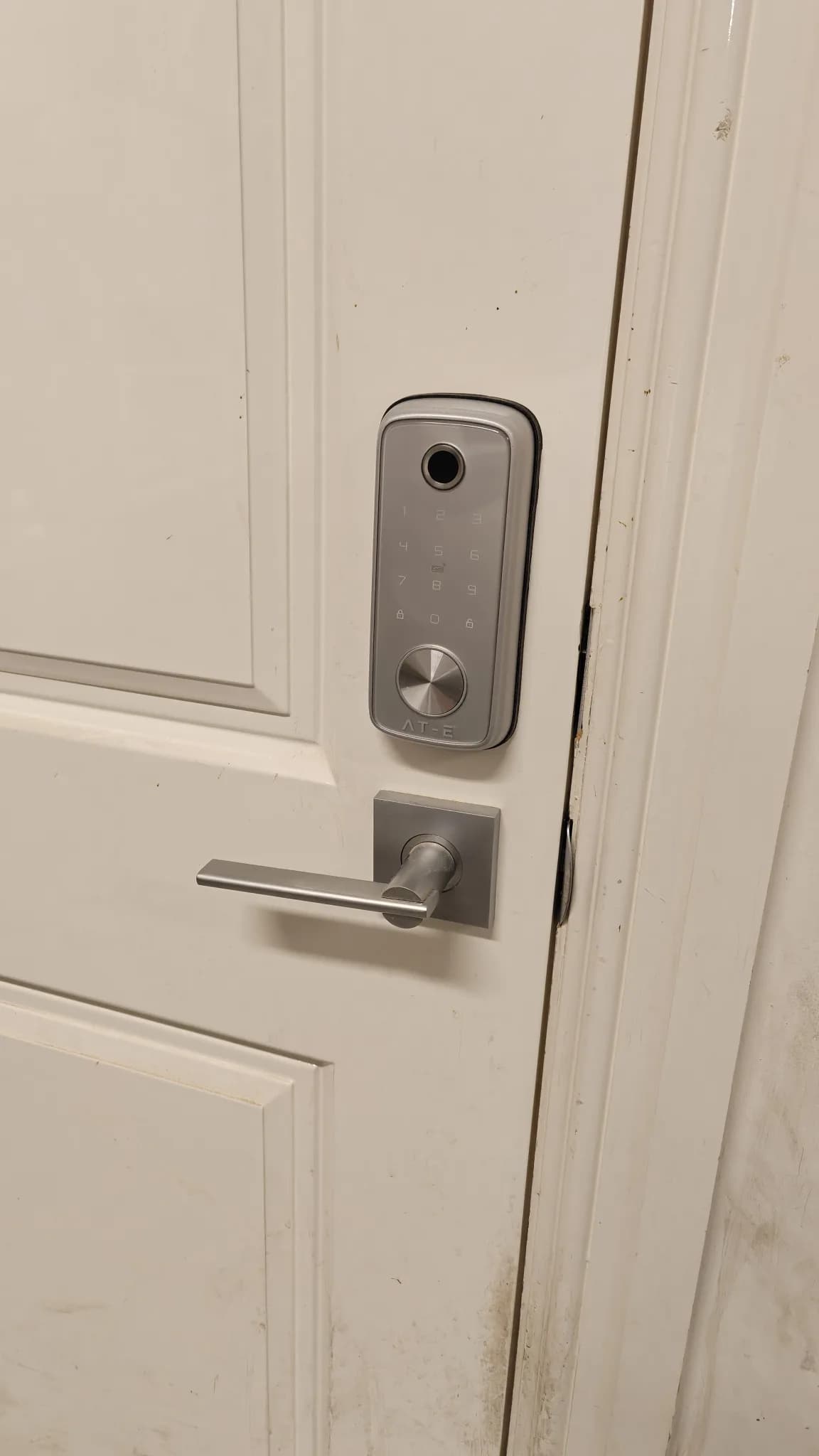
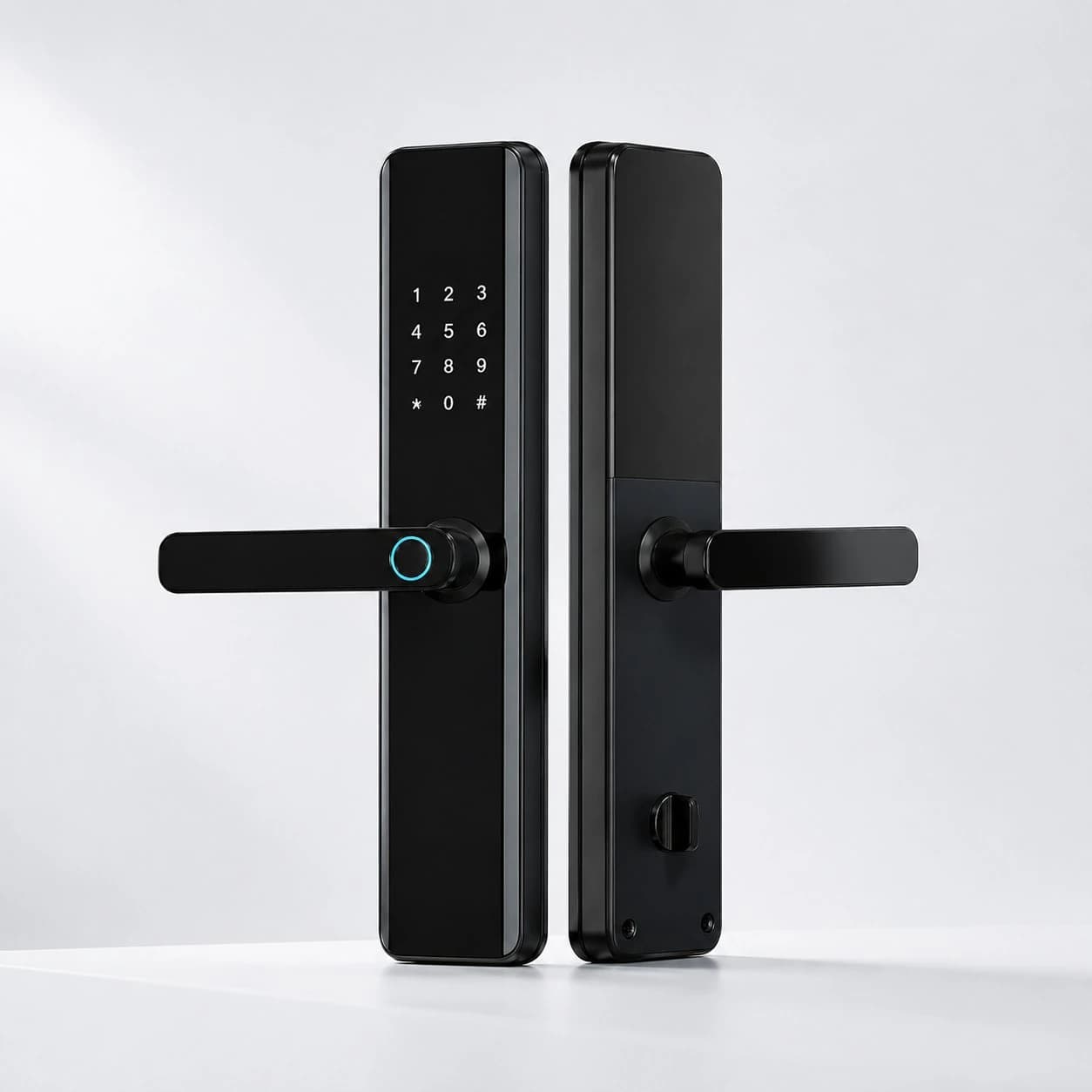
A smart lock can let a cleaner, relative, dog walker or tradesperson enter without hiding a key or sharing the household’s permanent PIN. The security benefit depends on how the permission is created and removed. Temporary access should identify the visitor, work only when required and expire without relying on someone to remember later.
Choose an individual credential
Create a separate PIN, mobile key or other supported credential for each person or service. Avoid one code called Guest that is passed between unrelated visitors. Individual credentials make it possible to change one person’s access without disrupting everyone and make activity records easier to interpret.
Match the credential to the visit
A one-time visitor may need a credential that works once or for one day. A cleaner may need a recurring Tuesday window. A relative staying for a week may need continuous access between arrival and departure. Set the narrowest practical schedule and include a small time allowance so minor delays do not force unsafe workarounds.
Send instructions securely
Share the credential directly with the intended person rather than posting it in a group chat or writing it near the door. Include the correct entrance, valid time and basic locking instructions. Do not send unnecessary alarm, Wi-Fi or administrator details with a door code.
Plan access beyond the front door
Opening the smart lock may not disarm an alarm, release a building entrance or open a gate. Map the complete route before the visit. A tradesperson may need the pedestrian gate and garage but not the main home. Where systems can integrate safely, design a specific arrival routine rather than sharing several permanent credentials.
Use notifications selectively
A notification when a cleaner or contractor unlocks the door can confirm arrival, but excessive alerts make important events easy to miss. Enable meaningful events such as the first use of a temporary code, repeated failed attempts, low battery or a door left unlocked. Do not treat every ordinary entry by a trusted family member as an emergency.
Review activity with privacy in mind
Access history can help confirm whether a temporary credential was used and investigate an unexpected event. Limit administrator access to the people who genuinely manage the property. Records should support security and service coordination, not become unnecessary monitoring of visitors or workers.
Provide a backup for essential visits
If entry is time-critical, plan for a flat lock battery, unavailable phone, network problem or changed appointment. A suitable mechanical override, local PIN or authorised contact may be needed depending on the lock. Never make a visitor depend solely on an app they have not tested.
Review and remove access
Check that the credential expired after the visit and remove it when a service ends. Review recurring access periodically, especially after changing cleaners, property managers or carers. Delete unused codes rather than leaving a long list of active permissions in the lock.
Protect the administrator account
The app account that creates credentials can control more than the door. Use a unique password and multi-factor authentication where available, keep the phone secured and remove access from old devices. Give other household members the minimum role they need rather than sharing one administrator login.
Test before relying on it
Create a test credential, lock the door and complete the full arrival process from outside. Confirm the schedule, time zone, locking behaviour and notification. Repeat the test after battery replacement, app migration or major firmware changes.
Conclusion
Temporary access is most useful when it is specific, limited and easy to revoke. Austrend can help Melbourne households choose smart locks and configure guest, cleaner and trade access as part of a practical entry and security plan. Contact our team to discuss compatible locks, installation and access workflows.
Frequently asked questions
Is a temporary PIN safer than sharing my normal code?
Yes, when it belongs to one visitor, has limited validity and is removed or expires after the visit.
Can a temporary code work only at certain times?
Many smart locks support date ranges, recurring schedules or one-time codes, but the exact options depend on the model and platform.
Will temporary access work without internet?
Local PIN access often can, while remote code creation or mobile credentials may depend on a hub, network or cloud service. Check the selected lock.
Tags
- Smart Locks
- Temporary Access Management