
Fingerprint, PIN, App or Key? Choosing the Right Smart Lock Access Method
What Melbourne Homeowners Should Check Before Choosing a Smart Lock
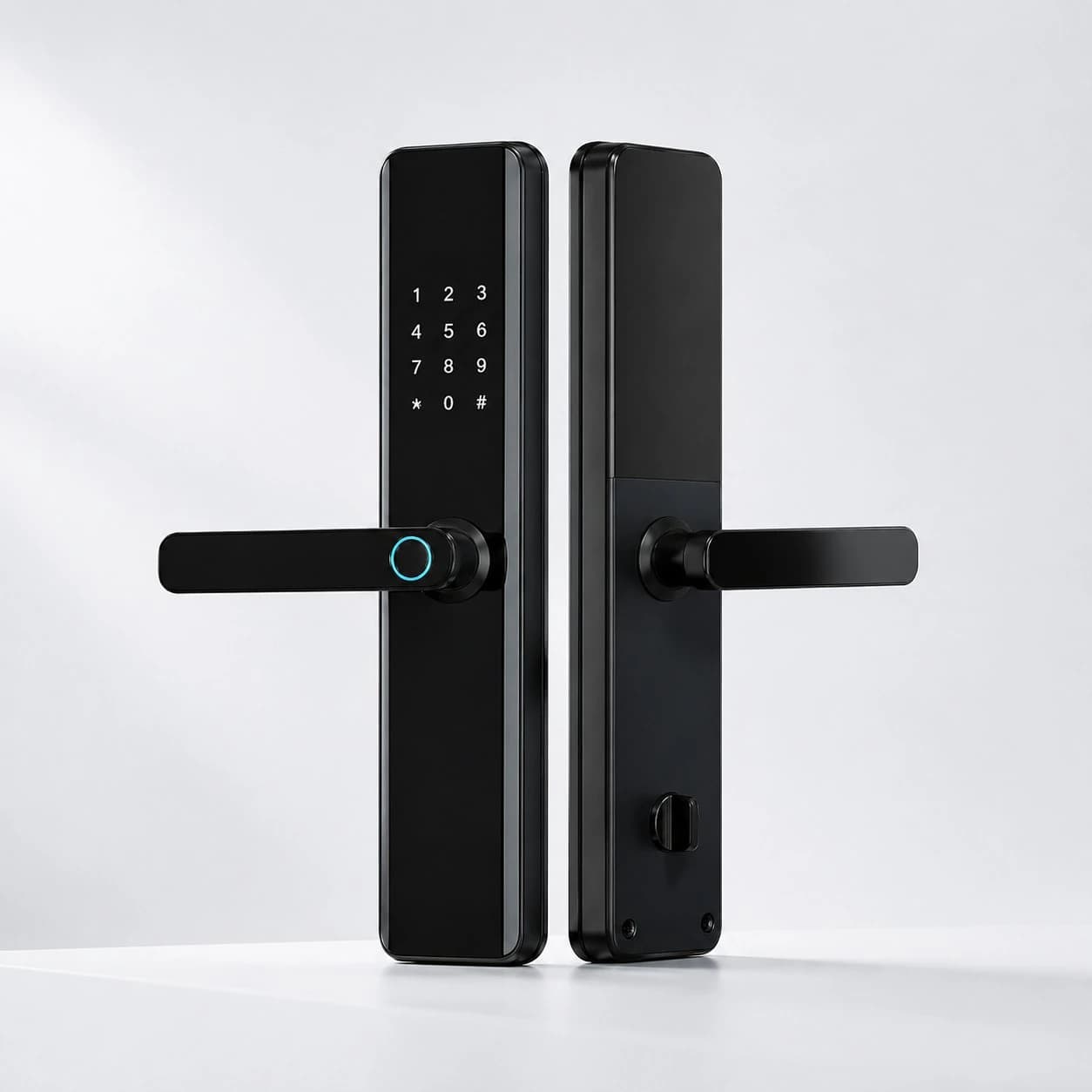
A smart lock is often described as a keyless lock, but most models offer several ways to enter: fingerprint, PIN code, mobile app, card or a conventional backup key. The best choice is not simply the newest feature. It is the access method that remains convenient during everyday use, works for everyone in the household and still gives you a reliable way in when a phone is flat or the network is unavailable. For Melbourne homeowners, the door itself, exposure to weather and the people using the lock are just as important as the feature list.
The four main access methods
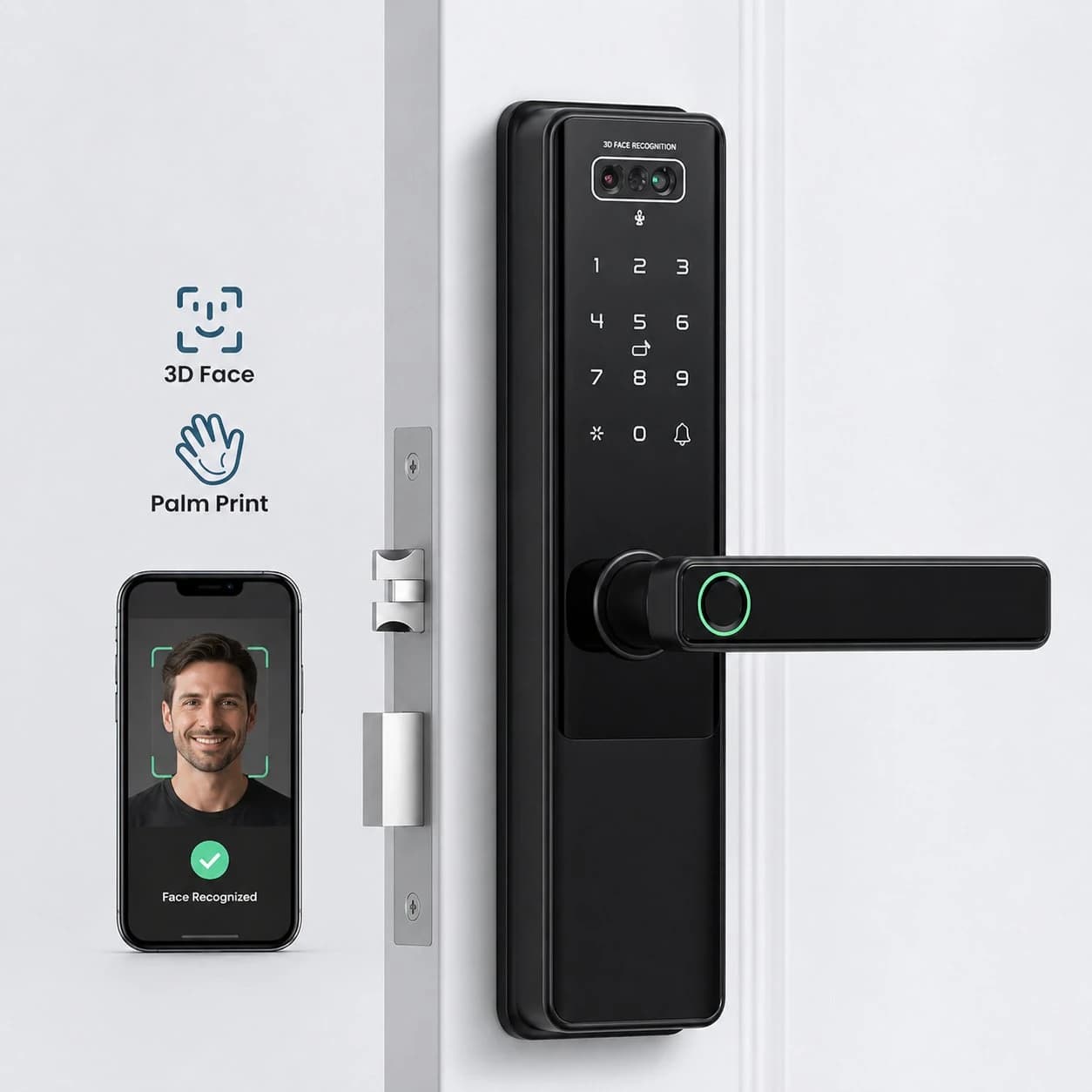
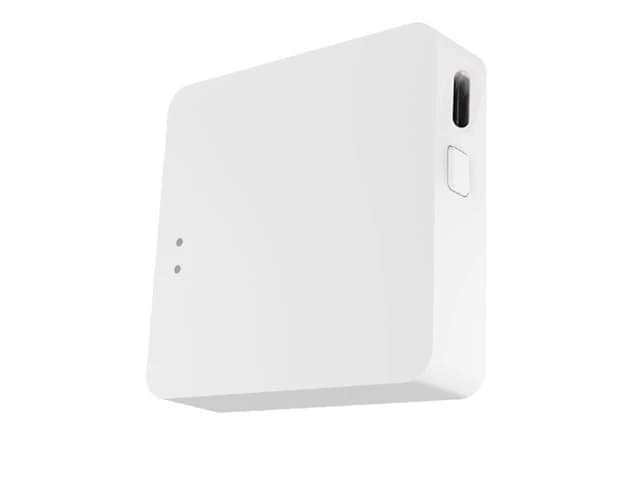
Fingerprint access is fast and removes the need to remember a code. It works particularly well for owner-occupiers and children who may lose keys. A good fingerprint reader should recognise authorised users quickly, but wet, dirty or worn fingers may occasionally require a second attempt. A PIN is easy to share and does not require a phone. Temporary or time-limited codes are useful for cleaners, relatives and tradespeople, while unique codes can help the owner understand who entered and when. The risk is that a permanent code can be observed or shared, so codes should be individual and changed when access is no longer required. App access is useful for remote management, notifications and checking lock status. It is convenient for letting in a visitor, but it should not be the only entry method because phones, batteries, internet connections and cloud services can fail. A mechanical key is less exciting, yet it remains a valuable emergency fallback when it is well designed and securely stored.
Which option suits your household?
For a family home, fingerprint plus individual PINs usually provides the best balance: fast daily entry, a method for visitors and no shared master code. For an older person or anyone with limited dexterity, test the handle, keypad visibility and fingerprint position in person; a simple PIN may be easier than navigating an app. For rental or short-stay access, time-limited PINs can reduce key handovers, provided the property owner and occupants agree on access management. For a small office, choose a system that supports named users, access schedules and an audit trail rather than one shared code. Biometric access should be considered carefully in a workplace because it may involve sensitive personal information and additional privacy obligations.
Do not choose by access method alone
A strong access feature cannot compensate for poor door compatibility. Before buying, check the door material, thickness, backset, existing cut-outs, handing direction, multipoint mechanism and clearance between the door and screen door. External doors also need suitable weather resistance. Ask how the lock behaves when batteries are low, whether it provides an external emergency power point, where the mechanical override is located and whether the door can always be opened safely from inside. If remote access is included, protect the administrator account with a unique password and multi-factor authentication where available.
A practical recommendation
For most homes, look for a multi-method smart lock rather than relying on a single technology. Fingerprint can be the everyday method, individual PINs can cover guests and family members, the app can provide management and alerts, and a concealed mechanical key or emergency power option can serve as the last resort. The goal is graceful failure: if one method is unavailable, an authorised person should still have a secure alternative.
Installation matters
Smart locks combine mechanical alignment, electronics and account configuration. A door that drags, a latch that does not fully engage or a poorly positioned strike plate can cause unreliable locking even when the electronics work perfectly. Professional assessment is especially useful for aluminium frames, mortice locks, narrow stiles, double doors and doors exposed to Melbourne weather. After installation, enrol each user separately, remove default credentials, test low-battery alerts and confirm every fallback method before relying on the lock.
Conclusion
The right smart lock is not the one with the longest feature list. It is the one that fits your door, your users and your fallback plan. Austrend can assess your existing entrance, explain the access options and recommend a smart lock that is practical for daily life. Contact Austrend for expert advice and installation support in Melbourne.
Frequently asked questions
Is fingerprint access more secure than a PIN?
Neither is automatically superior. Security depends on the lock design, enrolment quality, code management and physical installation. Fingerprint is harder to casually share; PIN access is easier to issue and revoke.
Can I still enter if the internet is down?
Many locks can verify fingerprints and PINs locally, but app features may vary. Confirm this before purchase.
Should everyone use the same PIN?
No. Individual codes are easier to revoke and provide a clearer access history.
What happens when the battery is flat?
A suitable lock should provide a warning and an emergency method such as external power or a mechanical override. Test the process after installation.
Tags
- Smart Locks
- Smart Lock Access Methods