
Smart Lighting for Home Security: Useful Automations Without Disrupting Daily Life
Use smart lighting to support home security with practical arrival, pathway, holiday and alert automations that remain comfortable for everyday living.
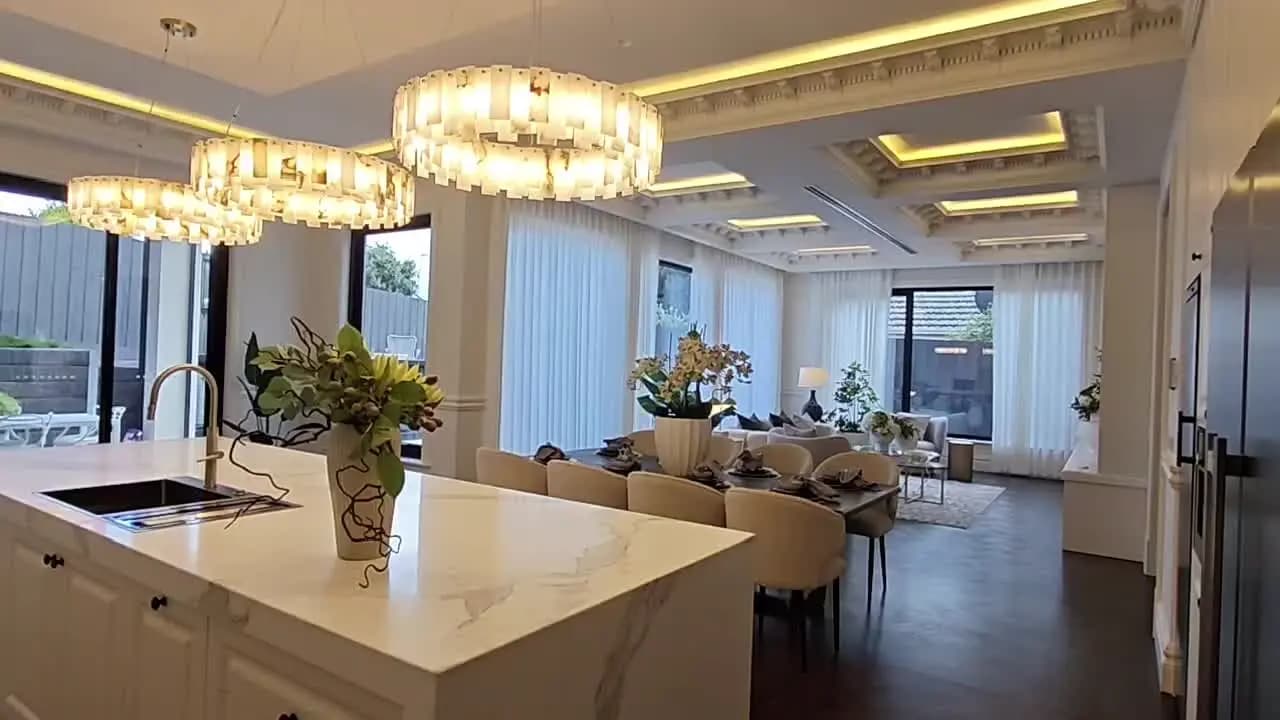
Smart lighting can support security without turning the home into a permanently floodlit property. The most useful automations illuminate real arrival routes, respond to meaningful events and make an empty home look naturally occupied. They should also respect sleep, neighbours, energy use and the household’s everyday habits.
Start with the moments that need light
List the situations when lighting improves safety or awareness: arriving after dark, walking from the garage, opening a side gate, hearing an alarm or leaving the property empty. Each moment needs a different response. A pathway may need gentle lighting for several minutes, while an alarm event may justify brighter external and selected internal lights.
Build automations around household modes
Use simple modes such as Home, Evening, Sleep, Away and Holiday. The same motion event can behave differently in each mode. At Home, movement near the front door may turn on the porch light. During Sleep, the same event might illuminate only the entry and send a notification. Away mode can activate a broader response without disturbing residents inside.
Light the route, not the whole property
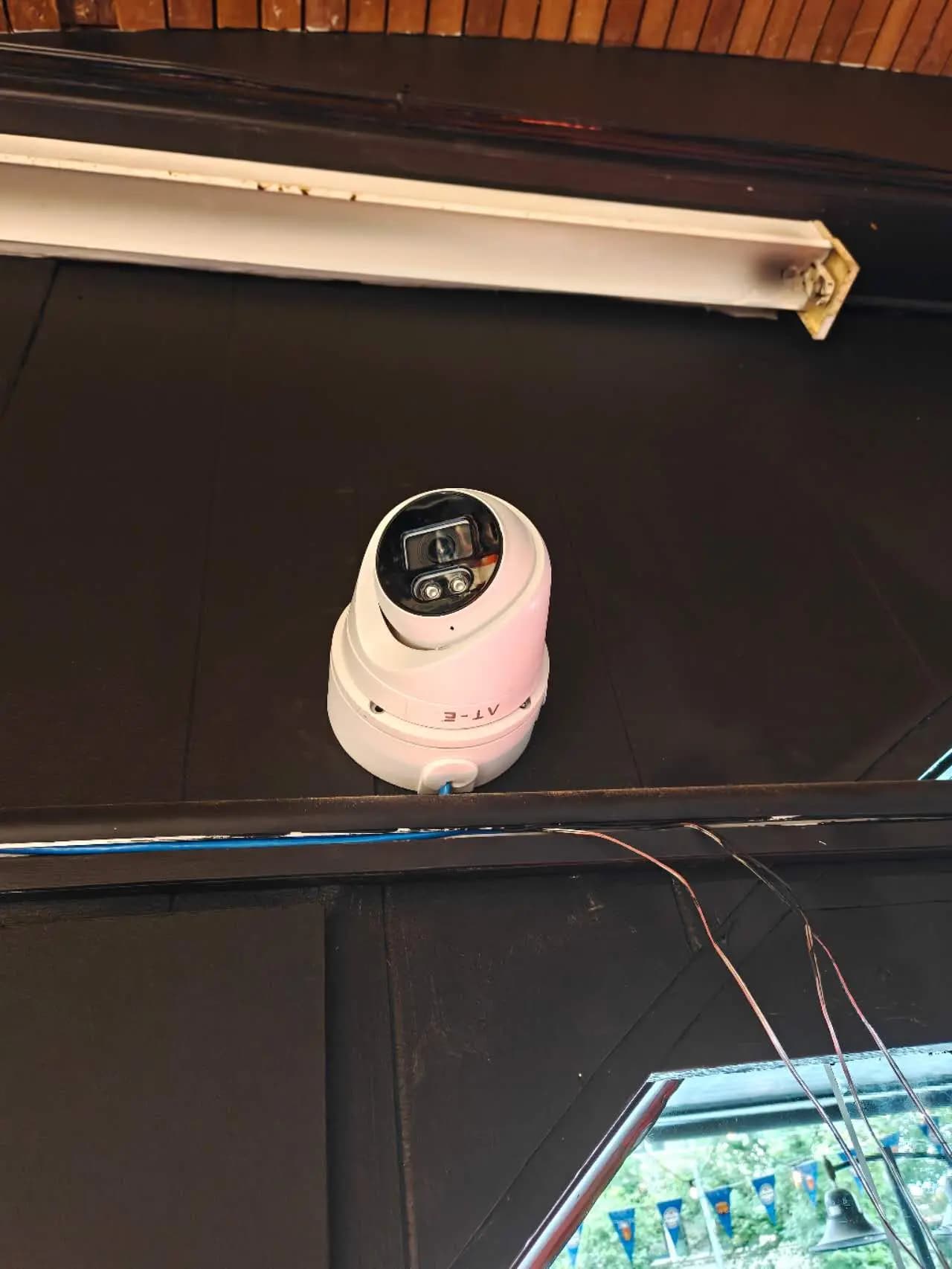
Good arrival lighting follows the journey from street or driveway to the entrance. Use low-level path, garage and porch lighting rather than switching on every outdoor fixture. This improves visibility while limiting glare, energy use and light spill. Keep cameras in mind so bright fittings do not shine directly into the lens or leave faces in silhouette.
Use sunset as a starting point, not a complete rule
A fixed clock schedule becomes inaccurate as seasons change. Sunset-based timing is more reliable, but it should include sensible limits. A porch light may turn on shortly before sunset and turn off at a set time unless motion or an arrival event extends it. This prevents lighting from remaining on all night without purpose.
Make an empty home look naturally occupied
Holiday lighting should vary within realistic boundaries rather than repeating the exact pattern every day. Use selected living, hallway and bedroom lights at plausible evening times. Avoid switching the entire home on simultaneously. The automation should be easy to enable and should never override essential exterior safety lighting or create a confusing state when someone returns early.
Connect lighting to security events carefully
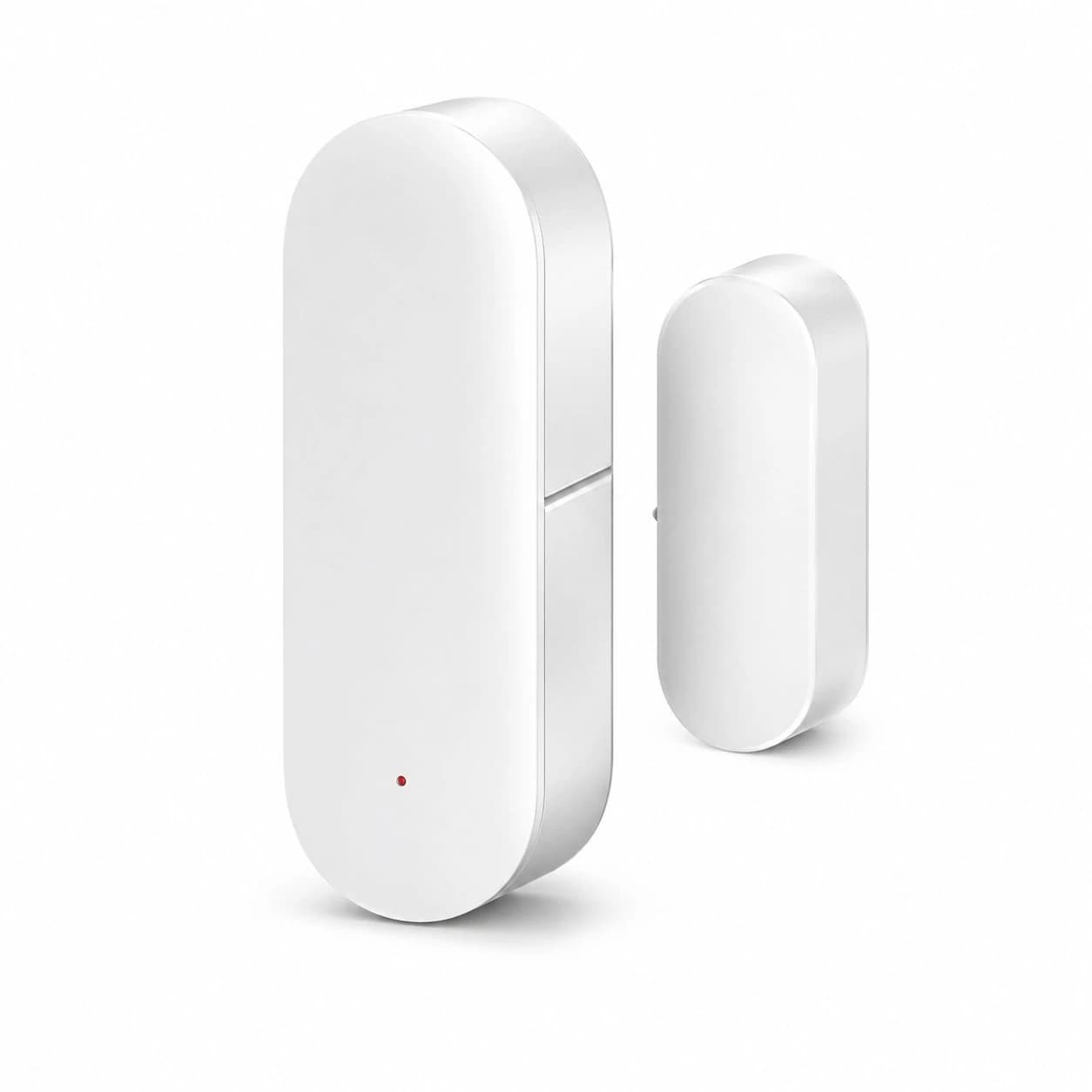
A door sensor, driveway camera, intercom or alarm can trigger lights, but each link needs a clear reason. For example, an after-dark gate opening may activate the path and porch lights. An alarm event may turn on external lights and selected internal lights to improve visibility. Do not allow every camera motion alert to flash the house, especially where trees, traffic or animals cause frequent detections.
Provide manual control and an easy override
Every automation should have a straightforward manual control. Wall switches must remain understandable for family members and visitors. Provide a temporary override for entertaining, sleeping children or unusual work schedules. Automations should resume at a defined time rather than remaining disabled indefinitely.
Avoid uncomfortable night behaviour
Use lower brightness and warmer colour temperatures for internal night pathways. Bathroom or hallway lights can activate gently instead of jumping to full brightness. Define quiet hours and shorter timers. External lighting should avoid shining into bedrooms or neighbouring properties, and sensor timeouts should be long enough to prevent lights switching off while someone is still using the area.
Review reliability and local control
Security-related lighting should have a predictable response if the internet is unavailable. Where possible, keep essential schedules and sensor links running through a local controller or device-to-device automation. Document the automation logic, maintain the network and ensure household members can still operate critical lights manually.
Test the complete routine
Walk the route at night, arrive by car, use the side gate and test Away mode. Check camera images with the lights on and off. Confirm that timers are long enough, manual switches still work and notifications are not excessive. Review the setup when seasons, landscaping or household routines change.
Conclusion
The best security lighting feels natural during ordinary life and becomes more visible only when the situation requires it. Austrend can plan lighting scenes, sensors and security links around the way your household actually uses the property. Contact our Melbourne team to discuss a practical smart-lighting and security automation plan.
Frequently asked questions
Do smart security lights need to stay on all night?
No. Schedules, low-level lighting and event-based activation can provide useful coverage without running every light continuously.
Can lighting turn on when a security camera detects a person?
Yes, when the camera and automation platform support it. The detection zone and schedule should be tuned to avoid unnecessary triggers.
Will automations work if the internet fails?
It depends on the system. Locally controlled schedules and device links may continue, while cloud-dependent functions may not.
Tags
- Smart Home
- Security Lighting Automations