
A Simple Smart Home Security Setup for Older Adults Living Independently
A practical guide to simple smart locks, door sensors, cameras and alerts that can support older adults living independently at home.
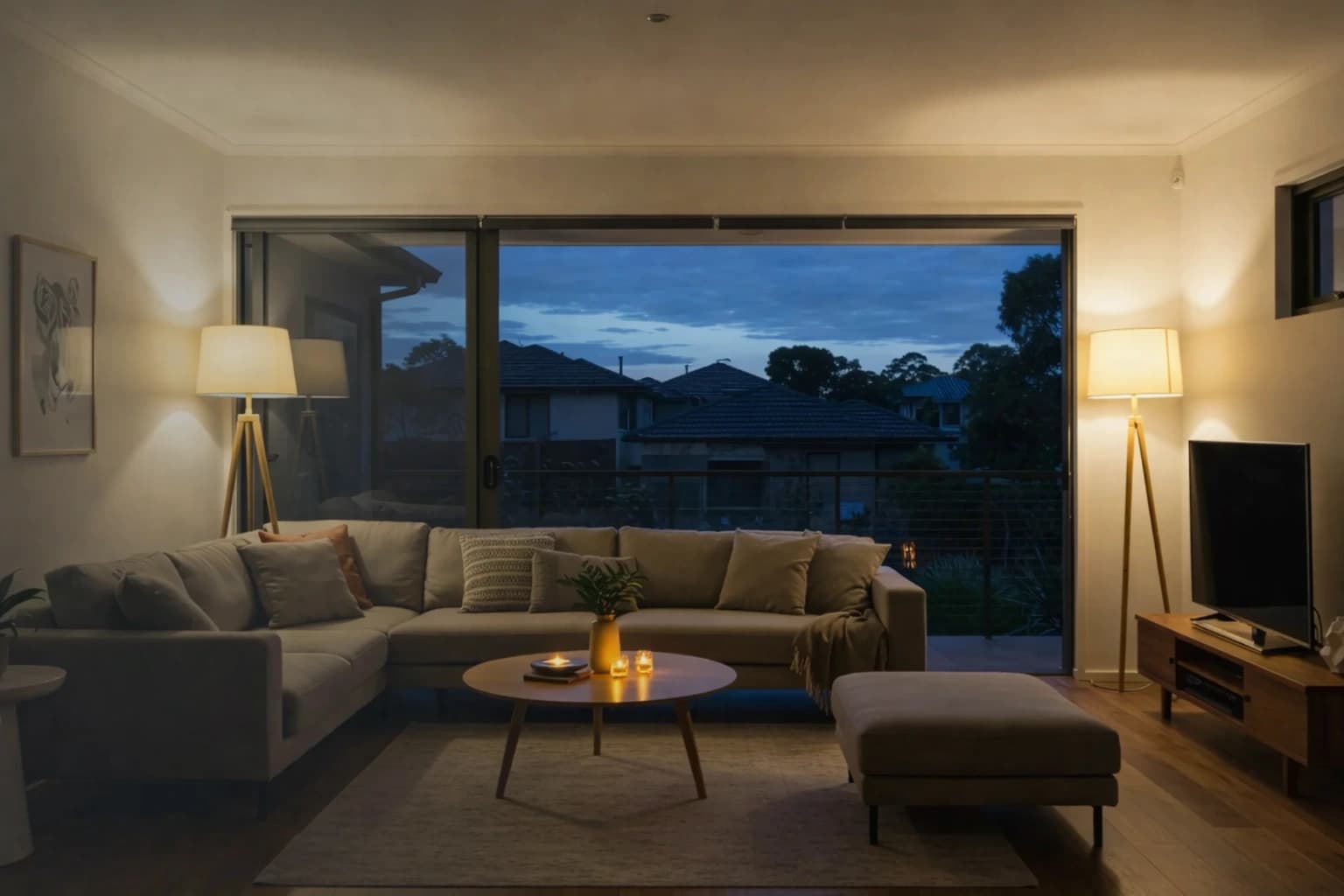
Smart home technology can help an older person feel more confident at home, but only when it is simple enough to use every day. A system with many apps, confusing notifications and complicated routines can create more stress than safety. The better approach is to begin with a small number of clear functions: easier entry without searching for keys, a reminder when a door is left open, a way to see who is at the entrance, and selected alerts for a trusted family member when appropriate. Technology should support independence rather than make the home feel constantly monitored.
Start with the person, not the product
Two households of the same age may need completely different solutions. Ask what is already difficult or worrying. Is it carrying keys, opening a stiff lock, hearing the doorbell, checking whether the back door is closed, or letting a carer enter at an agreed time? Also ask what technology the person already uses comfortably. Someone who uses a smartphone daily may welcome an app; someone who does not should still be able to lock and unlock the door without one. The person living in the home should understand and agree to any alerts shared with family or carers.
Start with three useful functions
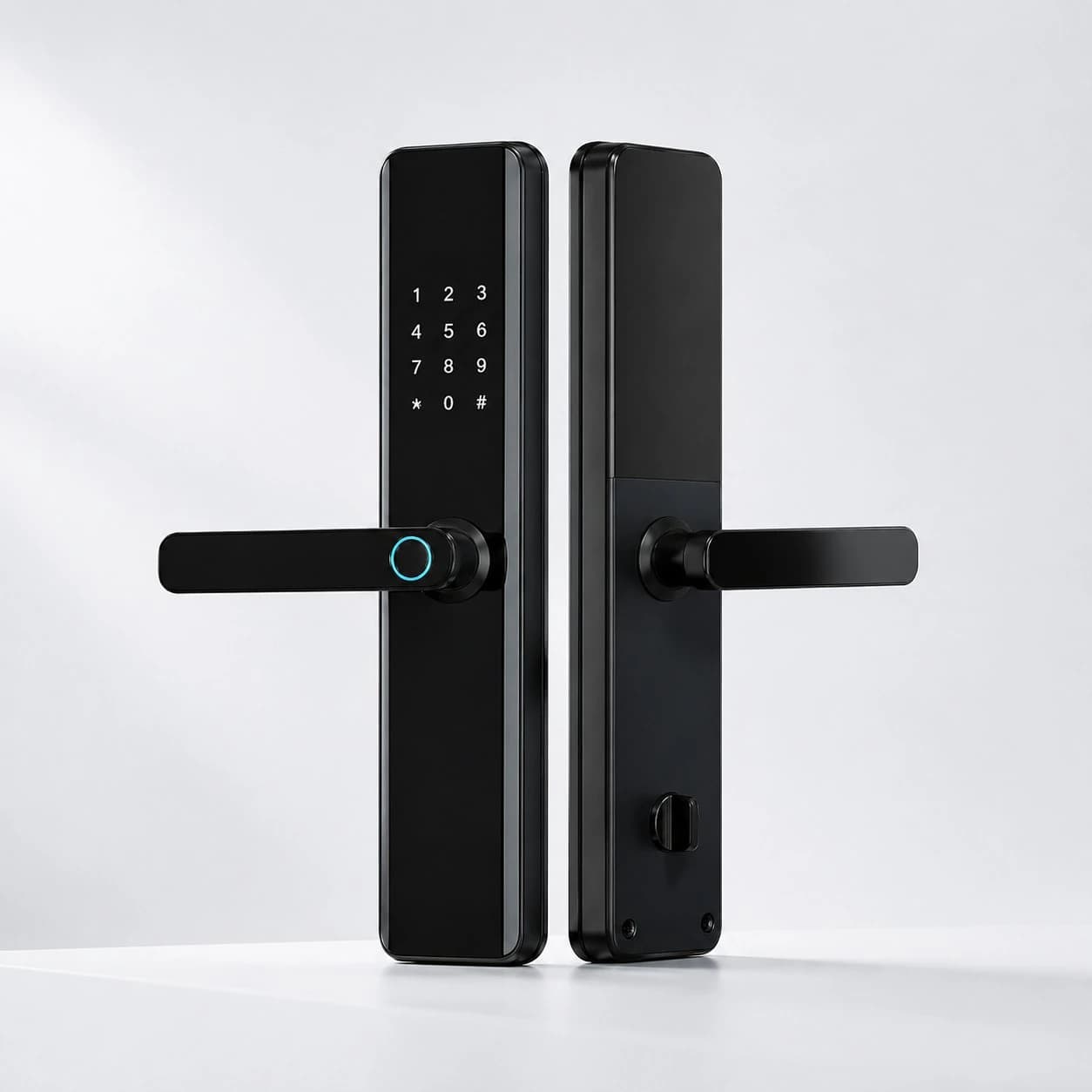
- Easier entry: a smart lock with a comfortable handle, clear keypad, reliable fingerprint reader and mechanical or powered backup can remove the need to find a small key. Enrol more than one suitable method and test it in real conditions.
- Door-left-open reminders: a contact sensor can provide a gentle chime or phone alert when an external door stays open longer than expected. This is often more useful than receiving a notification every time the door moves.
- Visitor verification: a video doorbell or entrance camera can allow the resident to see and speak to a visitor before opening the door. The screen and audio should be tested at the distance, volume and lighting the person will actually use.
Choose notifications carefully
A family member does not need a message for every normal movement. Too many alerts can feel intrusive and will eventually be ignored. Decide together which events genuinely need attention. Examples might include the front door remaining open for ten minutes, a door opening during a selected night period, repeated unsuccessful attempts at the smart lock, or a device going offline. Routine daytime entry can remain private. Alerts should have a clear recipient and a simple action: call the resident, check the camera, or contact a nearby trusted person.
Make everyday operation possible without the internet
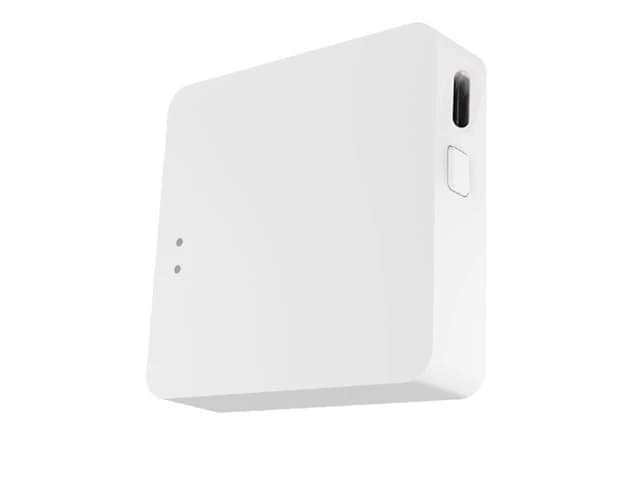
The front door should not become unusable because Wi-Fi, a cloud service or a phone is unavailable. Where possible, choose locks and sensors whose essential local functions continue without the internet. Provide a tested mechanical key or emergency power method. If a hub is used, place it where it has reliable coverage and consider backup power for critical functions. Remote features are helpful, but the person at home needs a straightforward local way to enter, exit and secure the property.
Keep the interface simple
Use one primary app where practical and remove unused scenes, rooms and devices from the main screen. Name devices in plain language such as “Front Door”, “Back Door” and “Driveway Camera”. Large widgets, clear status words and a small number of favourite actions are more useful than a complex dashboard. Disable voice control or remote unlocking if the person does not need it. Write a short paper guide showing how to unlock, check the door, answer the camera and get help. Keep support contact details with it.
Protect privacy and accounts
Door events and camera footage can reveal daily routines. Share access only with people the resident has authorised and review that list regularly. Each person should have an individual account or credential rather than sharing the administrator password. Use strong, unique passwords and multi-factor authentication where supported. Keep device software updated and check the manufacturer’s published support period before purchase. Australian smart-device security guidance also recommends understanding what data a device collects, turning off unused features and replacing devices that no longer receive security updates.
Installation should include teaching and testing
Good installation is not finished when the hardware works. The resident should practise each normal task while the installer or family member observes: unlocking from outside, locking from inside, answering the door camera, responding to a low-battery warning and using the backup method. Test notification volume, text size and camera view. Leave enough time for questions and repeat the demonstration if needed. A follow-up check after several weeks can remove notifications that are annoying and fix tasks that remain unclear.
What technology cannot do
Smart devices can support convenience and awareness, but they are not medical monitoring, emergency response or a substitute for suitable care. If there are concerns about falls, cognition, personal safety or the ability to respond to an incident, seek advice from an appropriate health or aged-care professional. Australia’s Support at Home program includes pathways for assessed assistive technology and home modifications, but eligibility and prescriptions depend on the person’s assessed needs. A security installer should stay within the role of designing reliable access, alerts and home-security functions.
A practical starter package
For many homes, a sensible first stage is one well-fitted multi-method smart lock, contact sensors on the main external doors, one entrance camera or video doorbell, and a compatible hub if required. Configure only a few meaningful alerts. Add devices later only when a real need becomes clear. This is usually easier to learn, maintain and troubleshoot than installing a large package at once.
Conclusion
The best smart home for an older adult is not the most advanced one. It is the system that the person understands, accepts and can use confidently without depending on a family member for every task. Austrend can assess the entrance, recommend a small set of compatible devices, configure meaningful alerts and teach the household how to use the system. Contact Austrend for a practical smart home security consultation in Melbourne.
Frequently asked questions
Does an older person need a smartphone to use a smart lock?
No. Choose a lock that supports a suitable local method such as fingerprint or PIN, plus a tested backup.
Can family members unlock the door remotely?
Some systems allow this, but it should be enabled only with the resident’s agreement and protected by individual accounts and strong security.
Will a camera invade the resident’s privacy?
It does not have to. Limit the view to the entrance, restrict access, use clear retention settings and avoid indoor cameras unless there is a specific, agreed reason.
What if the resident forgets a PIN?
Enrol another method that is easy for that person, such as fingerprint, and maintain a secure backup plan.
Should everything be automated?
No. Automate only actions that are predictable, helpful and easy to override.
Tags
- Smart Home
- Independent Living