
Door and Window Sensors: The Small Devices That Make a Smart Home Truly Useful
Practical Automations for Security, Comfort and Energy Savings at Home
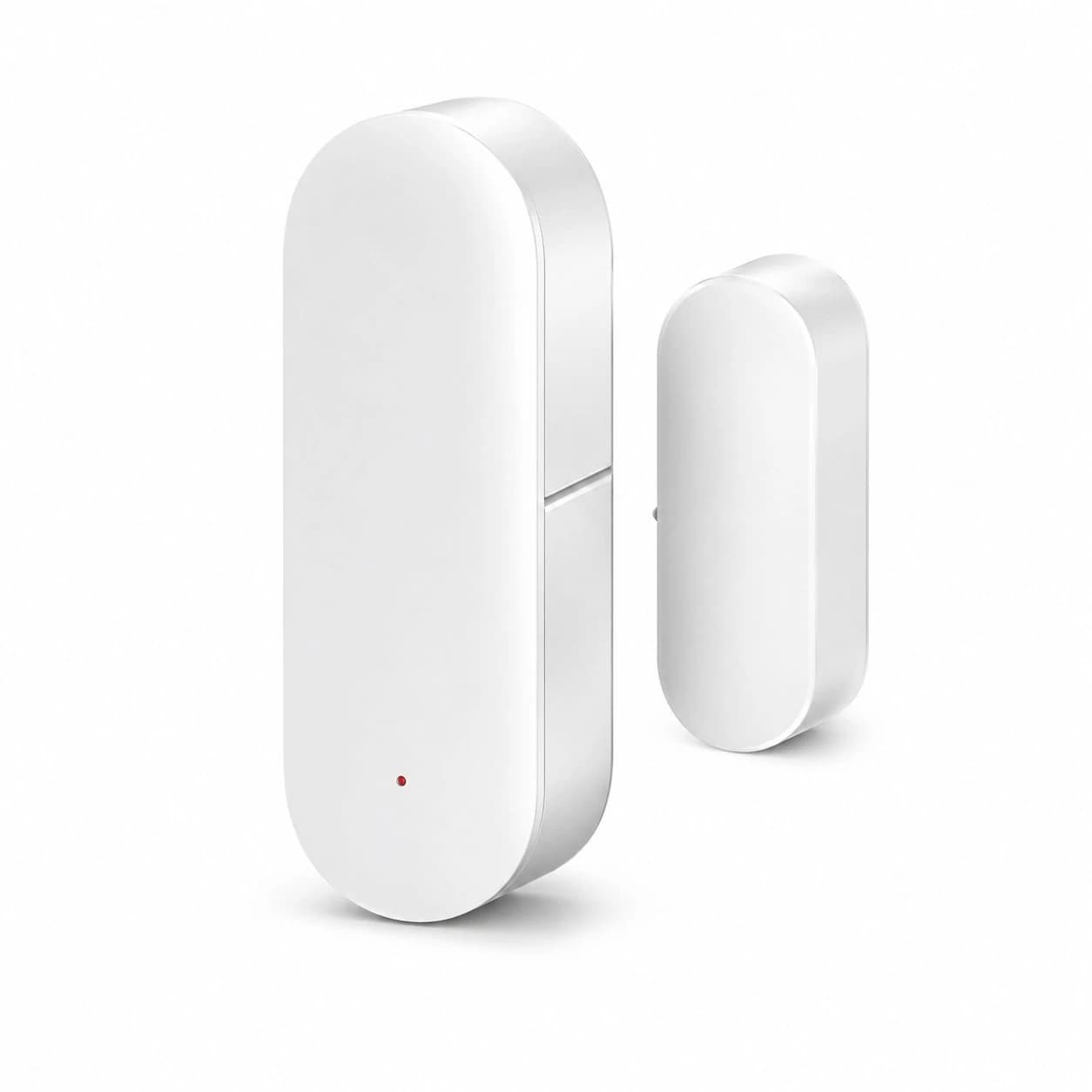
A door and window sensor is one of the smallest devices in a smart home, yet it can trigger some of the most useful automations. Instead of asking an app whether the house is secure, the system can tell you that a window has been left open, turn on an entry light when a door opens after dark or pause heating and cooling while fresh air is coming in. The value comes not from the sensor alone, but from connecting a simple open-or-closed event to a clear household action.
How the system works
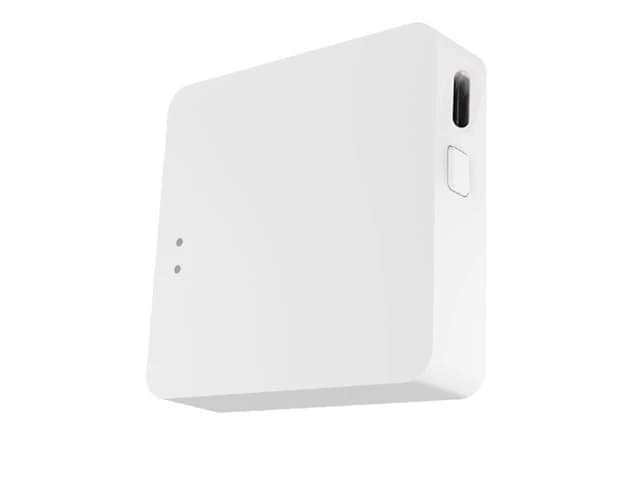
Most contact sensors have two parts: a sensor body and a magnet. When the door or window moves, the two parts separate and the device reports a change of state. Depending on the product, it may communicate through Zigbee, Z-Wave, Bluetooth or Wi-Fi. Zigbee and Z-Wave sensors generally connect through a compatible hub, which can improve battery life and allow local automations. Wi-Fi products may connect directly to the router but can increase device load and power consumption. Before buying, confirm protocol, hub compatibility, app support and whether automations continue to run if the internet is unavailable.
Seven useful automations
- Send an immediate alert when an external door or selected window opens while the home is in Away mode.
- Turn on the hallway or porch light when the front door opens after sunset, then switch it off after a short period.
- Remind the household if a garage, balcony or back door remains open longer than an agreed time.
- Pause heating or air conditioning when a window is open, and resume only after it closes.
- Trigger a chime or spoken announcement when a child-accessible external door opens.
- Mark a house as occupied when a frequently used entrance opens, supporting lighting or comfort scenes without motion sensors in every room.
- Create a bedtime check that reports only the doors and windows that are still open, rather than sending a long list of devices that are already secure.
Design alerts that people will not ignore
More notifications do not automatically create a safer home. If every internal door generates an alert, users soon mute the app. Start with external doors, accessible windows, the garage and any entrance connected to a safety concern. Use different rules for Home, Away and Night modes. An opening event may be normal during the day but important after bedtime. Reserve urgent notifications for events that require action, and use a quiet dashboard or daily check for lower-priority information.
Local control and resilience
Where practical, keep essential automations local to a compatible hub. A local rule can still turn on an entry light or sound an indoor chime when the internet is unavailable. Cloud access remains useful for remote notifications, but it should complement rather than replace basic local behaviour. Also consider battery alerts, the ability to replace batteries easily and how the system reports an offline device. A sensor that silently stopped communicating weeks ago cannot protect the opening it was meant to monitor.
Installation details that affect reliability
The sensor and magnet need to align when the door or window is closed, but frames are not always level and some surfaces are too narrow for standard devices. Test the mounting position before fixing it permanently. Avoid places where the sensor will be struck, exposed to direct weather or forced against a metal frame without checking the manufacturer's guidance. After installation, open and close the door several times, confirm both states in the app and test the automation under each relevant household mode.
Privacy and account security
Door and window events can reveal routines, including when people arrive, leave or go to bed. Give app access only to people who need it, remove former household members promptly and protect the main account with a unique password and multi-factor authentication where supported. Review cloud history and retention settings instead of storing event data indefinitely without a reason.
Conclusion
A useful smart home is built from clear, dependable actions—not a large collection of disconnected gadgets. Door and window sensors provide simple information that lighting, climate, security and family-safety routines can use. Austrend can help select compatible sensors, configure a hub and design automations that work naturally in your home. Contact Austrend for expert advice.
Frequently asked questions
Do I need a hub?
It depends on the protocol. Zigbee and Z-Wave devices normally require a compatible hub; some Wi-Fi sensors do not.
Can a sensor work as an alarm?
It can trigger an alert or connected siren, but a complete alarm system also needs thoughtful arming modes, entry delays, backup power and reliable communications.
Can I install one on a sliding door or window?
Often yes, provided the two parts can align and separate reliably. Test clearance first.
How often do batteries need replacing?
This varies with protocol, signal quality, usage and battery type. Enable low-battery and offline alerts rather than relying on a fixed calendar.
Tags
- Smart Home
- Sensors & Automations