
How to Reduce False Alarms Without Weakening Your Home Security
Learn how correct sensor placement, entry delays, pet settings, maintenance and household routines can reduce false alarms without leaving security gaps.
A false alarm is more than an inconvenience. Repeated unwanted activations can disturb neighbours, reduce confidence in the system and cause household members to stop using important zones. The right response is not to disable detection broadly. It is to identify the trigger, correct the setup and make everyday operation easier.
Find the event before changing the system
Start with the event history in the keypad, app or monitoring portal. Note the zone, time, household activity and weather conditions. One door contact reporting repeatedly needs a different solution from several motion detectors activating during a power interruption. A clear record helps an installer reproduce the problem instead of guessing.
Review sensor placement
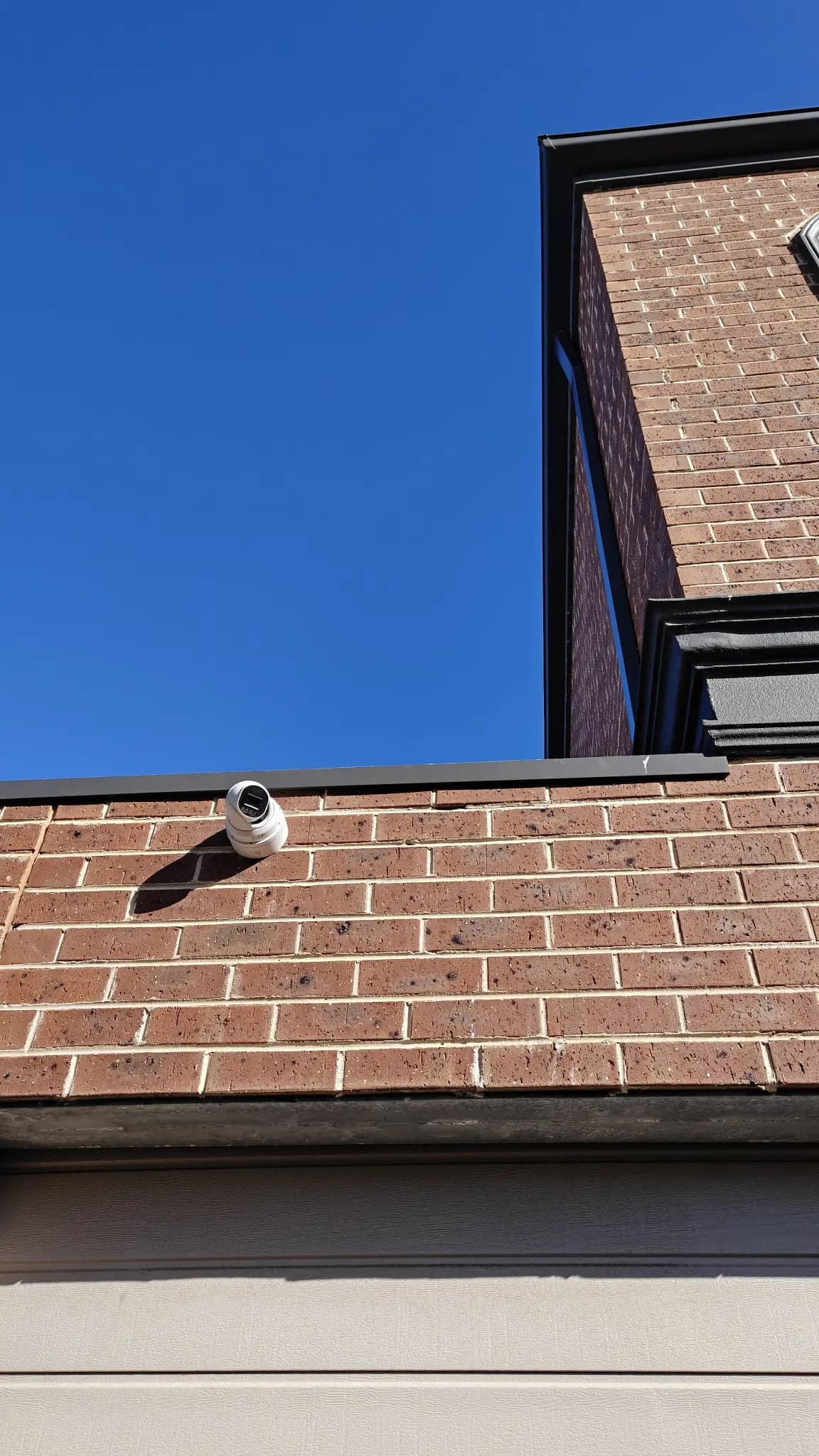
Motion detectors should not face moving curtains, strong heat sources, reflective surfaces or windows receiving intense sunlight. Door and window contacts must align correctly when closed and remain secure as frames expand or settle. Outdoor devices require especially careful positioning because trees, insects, headlights, rain and rapidly changing temperatures can create unwanted activity.
Use pet settings carefully
Pet-tolerant detectors can reduce activations caused by animals, but they are not a universal fix. Performance depends on the pet’s size, movement, furniture access and sensor position. A cat climbing onto a cabinet may enter the detector’s sensitive area. Test the real room and consider protecting selected rooms with door contacts while excluding motion detection only where necessary.
Set practical entry and exit delays
Delays should provide enough time to leave, lock the door and disarm after returning without creating an unnecessarily long security gap. Make the entry route obvious and keep the keypad or authorised phone available. If the family regularly enters through more than one door, configure each approved route deliberately rather than extending every timer.
Separate faults from intrusions
Low batteries, tamper switches, communication loss and mains failure should be displayed differently from burglary events where the system supports it. Household members need to know which notifications require immediate action and which require maintenance. Do not silence recurring trouble alerts without resolving their cause.
Maintain sensors and the surrounding area
Replace batteries according to device guidance and respond promptly to low-battery warnings. Clean around detectors without spraying liquid onto them, remove insects and webs, trim vegetation near outdoor devices and check that renovation work has not moved furniture or created new heat and airflow patterns. Test the siren, communication path and backup battery on a planned schedule.
Create a routine everyone can follow
Give each authorised person their own code where supported and teach them how to arm, disarm and cancel an accidental activation. Use clear names such as Front Door or Hallway rather than unexplained zone numbers. Agree on who checks the property, who contacts the monitoring provider and how visitors or cleaners receive temporary instructions.
Use modes instead of disabling protection
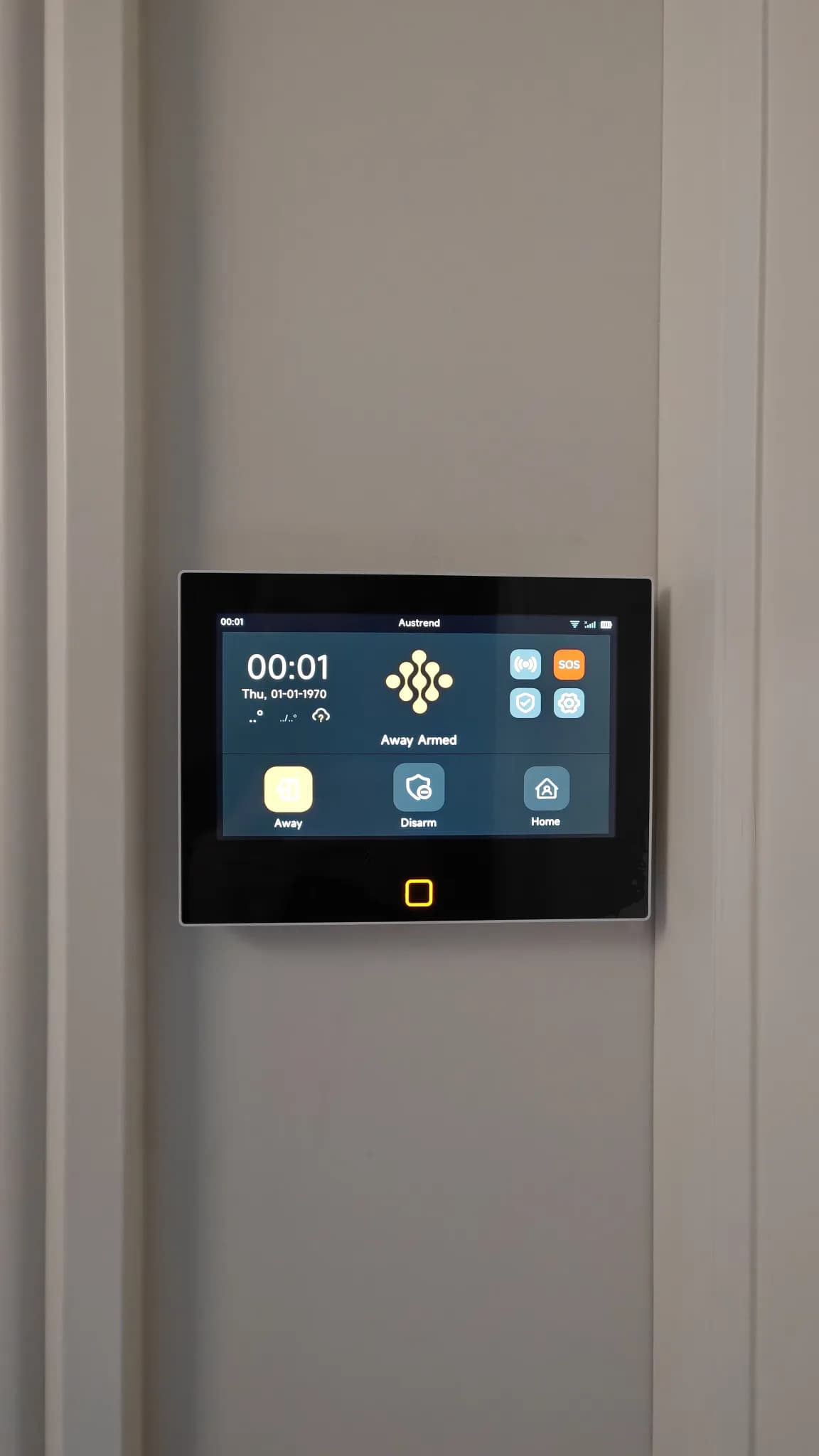
Stay, Night and Away modes allow the system to match occupancy. At night, perimeter doors and windows may remain protected while selected internal motion zones are inactive. When the home is empty, the full set can operate. A well-designed mode is safer and easier than repeatedly bypassing random zones.
Review changes after real use
After adjustments, use the system normally for several weeks and review the event log. Check seasonal effects, new pets, changed furniture and altered household schedules. If one zone continues to activate, arrange a service visit rather than lowering sensitivity across the whole property.
Conclusion
Reliable security comes from accurate detection and confident daily use. Austrend can review zone history, sensor placement, operating modes and maintenance needs to help Melbourne households reduce unwanted alarms without creating avoidable security gaps. Contact our team to assess an existing alarm or plan a new system.
Frequently asked questions
Should I turn off a sensor that keeps causing alarms?
Only as a short-term controlled measure while the cause is investigated. Permanently bypassing it may leave an important area unprotected.
Can pets use rooms protected by motion sensors?
Often yes, but suitability depends on the detector, installation position, animal and room layout. The setup should be tested in the real home.
How often should a home alarm be tested?
Follow the manufacturer and monitoring provider guidance, and test again after renovations, device changes or repeated trouble alerts.
Tags
- Alarm Systems
- False Alarm Prevention